Bonadget Wireless Xbox One Series X/S PC Controller Hall Effect


Bonadget Wireless Xbox One Series X/S PC Controller Hall Effect
- Free worldwide shipping
- Pre-ship QC
- Tracked delivery
- Arrives Nov 4 – Nov 13
- Import duties included
Defective, damaged or wrong item? Free replacement or refund — just send us a short video. Details
Product details & specifications
A Bluetooth Xbox controller with Hall Effect triggers, six-axis gyro and dual vibration.
- Hall Effect with Hall-linear triggers
- Six-axis gyro sensor and dual vibration
- Bluetooth connection
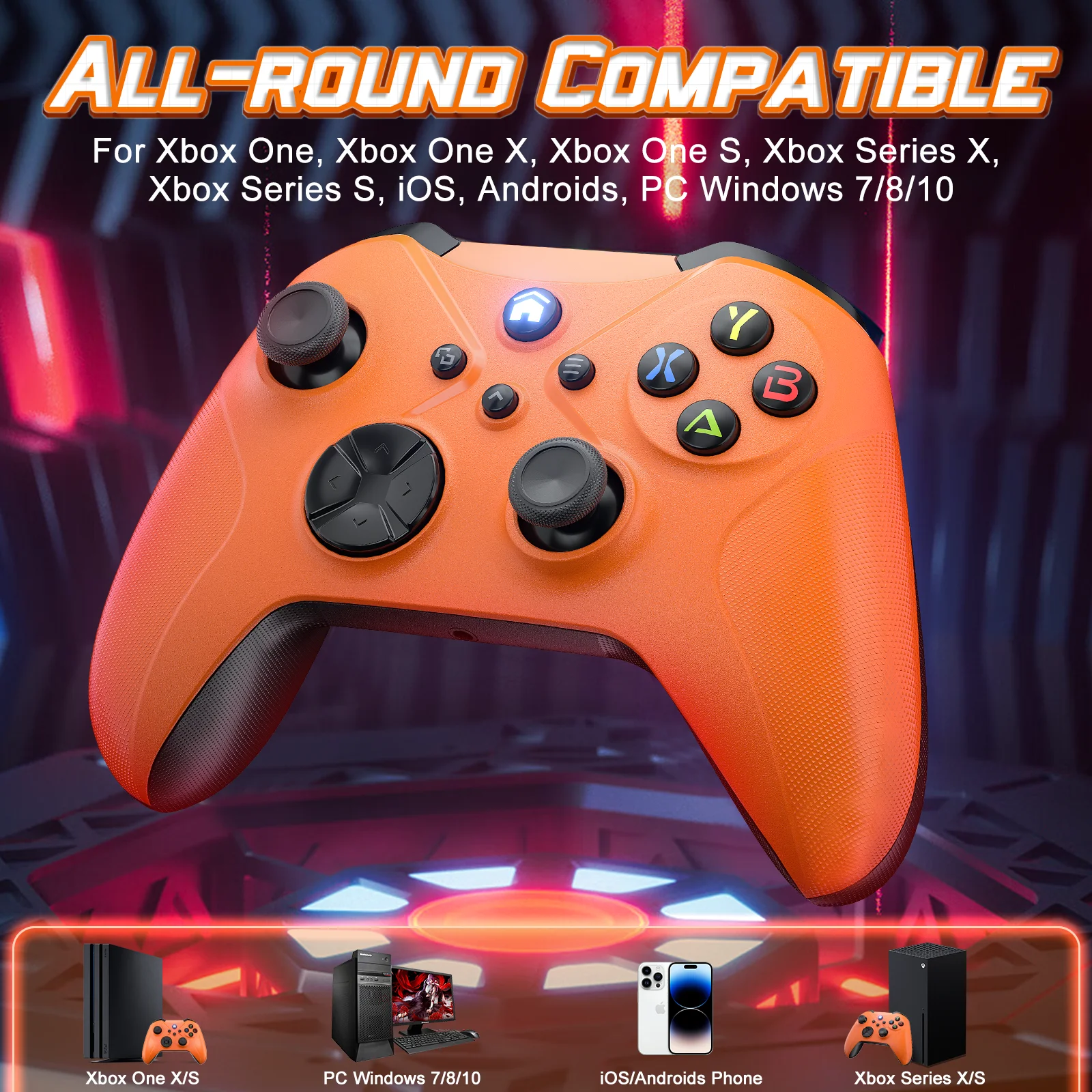
- Compatible with Xbox One S, One X, Series X, Series S and PC
- CE certified; black, orange, white or grey
SPECIFICATIONS
Battery Included: Yes
Brand Name: Bonadget
Certification: CE
Compatible Brand/Model: Microsoft
Compatible Microsoft Model: xbox,Xbox One S,Xbox One X,XBOX SERIES X,Xbox Series S
Compatible Platform: xbox,PC
Hall Effect: Yes
High-concerned chemical: None
Interface Type: Bluetooth
Origin: Mainland China
Package: Yes
Trigger Button Type: Hall-Linear
Type: Gamepads
The merchant will send an upgrade package to the customer. After the customer upgrades on the computer, it will be compatible with the Xbox system. (This is very important)
▶ About the connection of the controller.
The sales volume exceeds1, 000orders in a week.
2.4 G Wireless Game Controller For XBOX ONE ,XBOX SERIS S,X PC
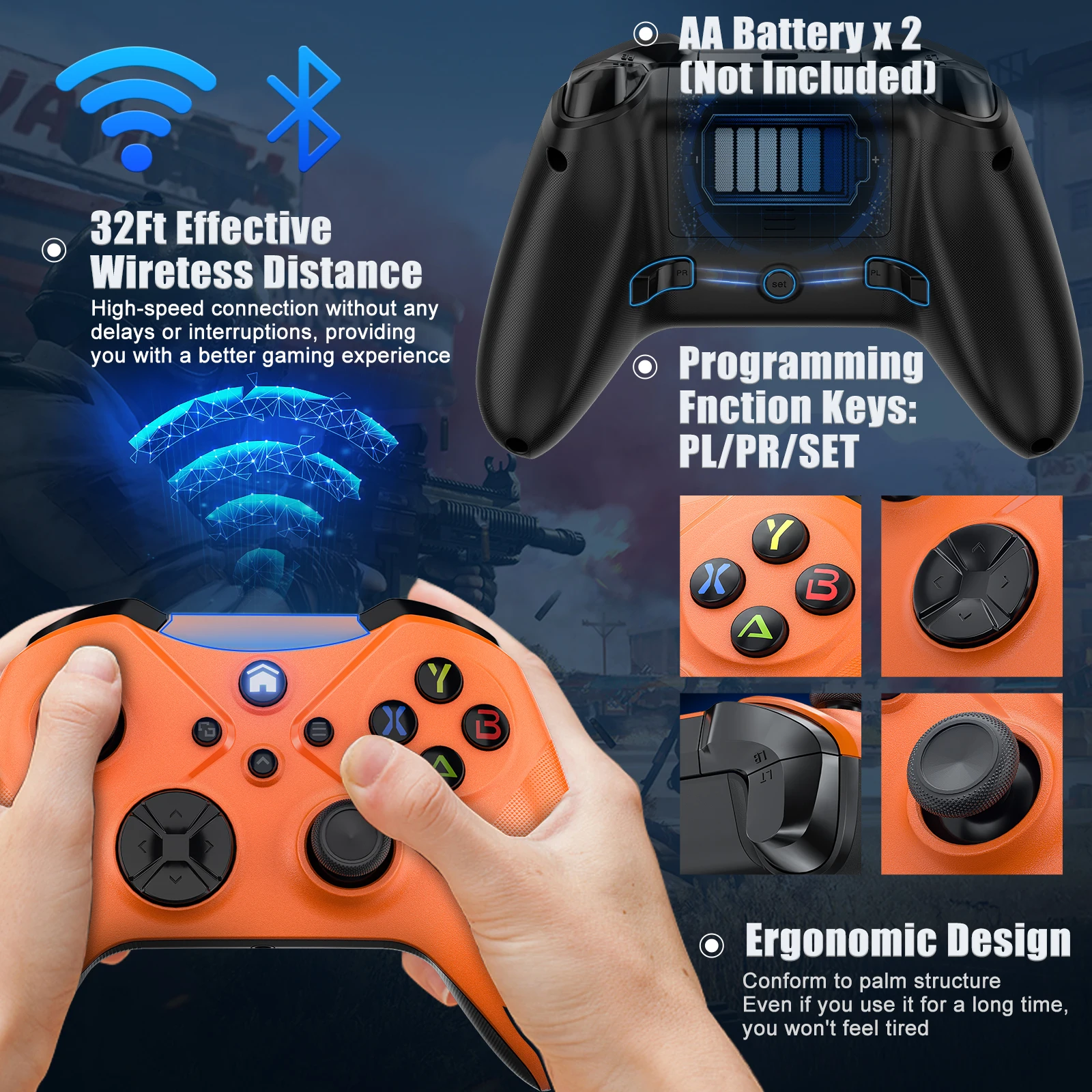
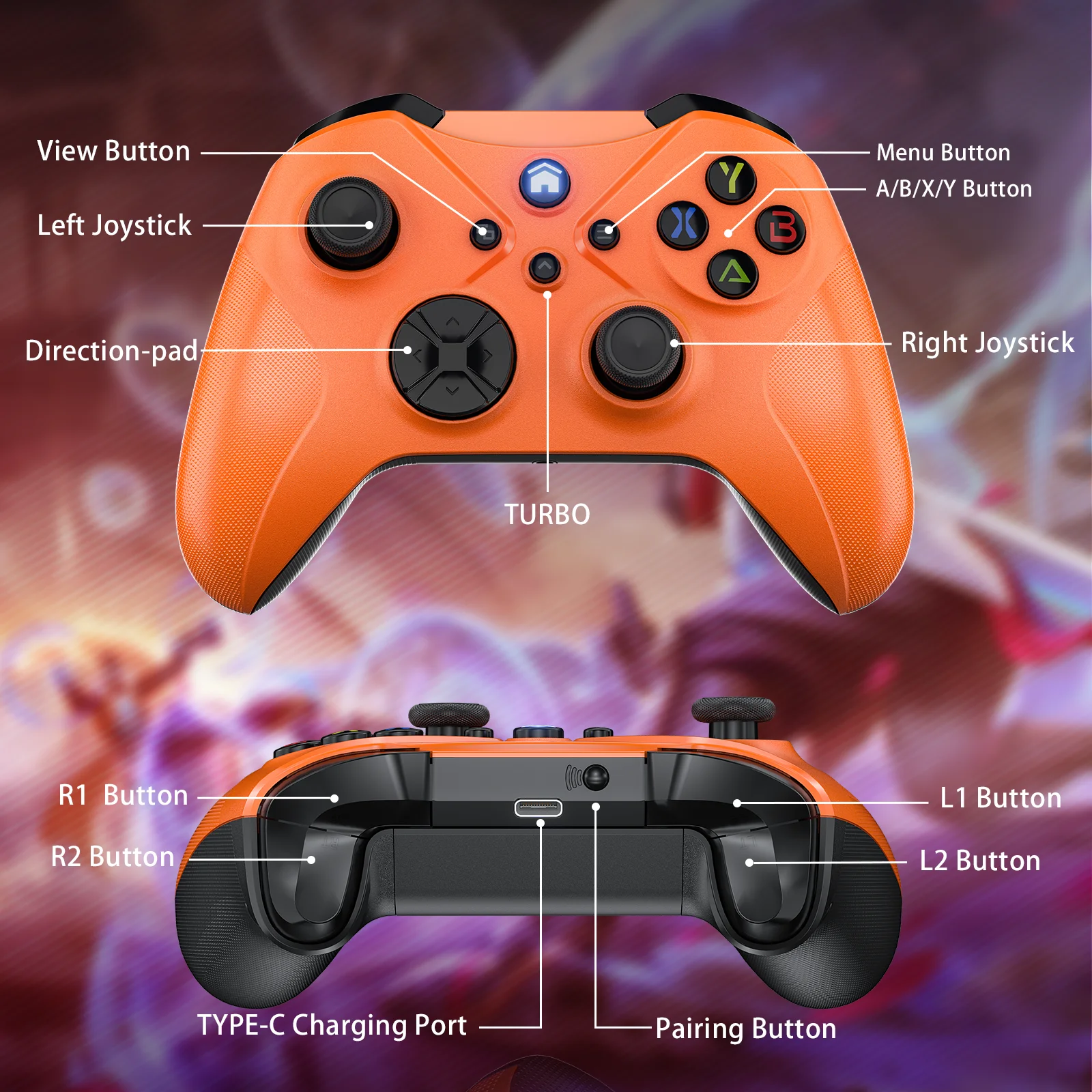
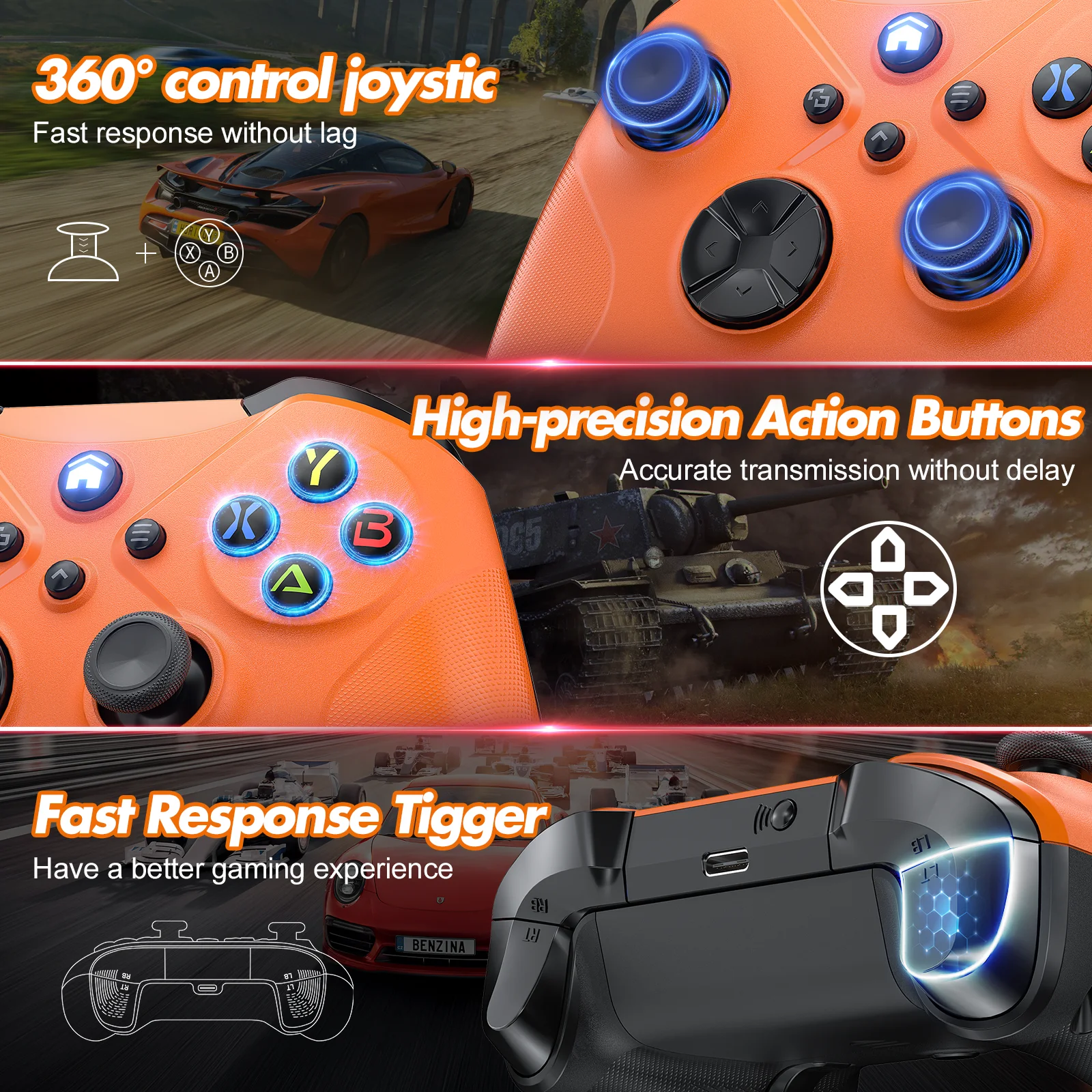
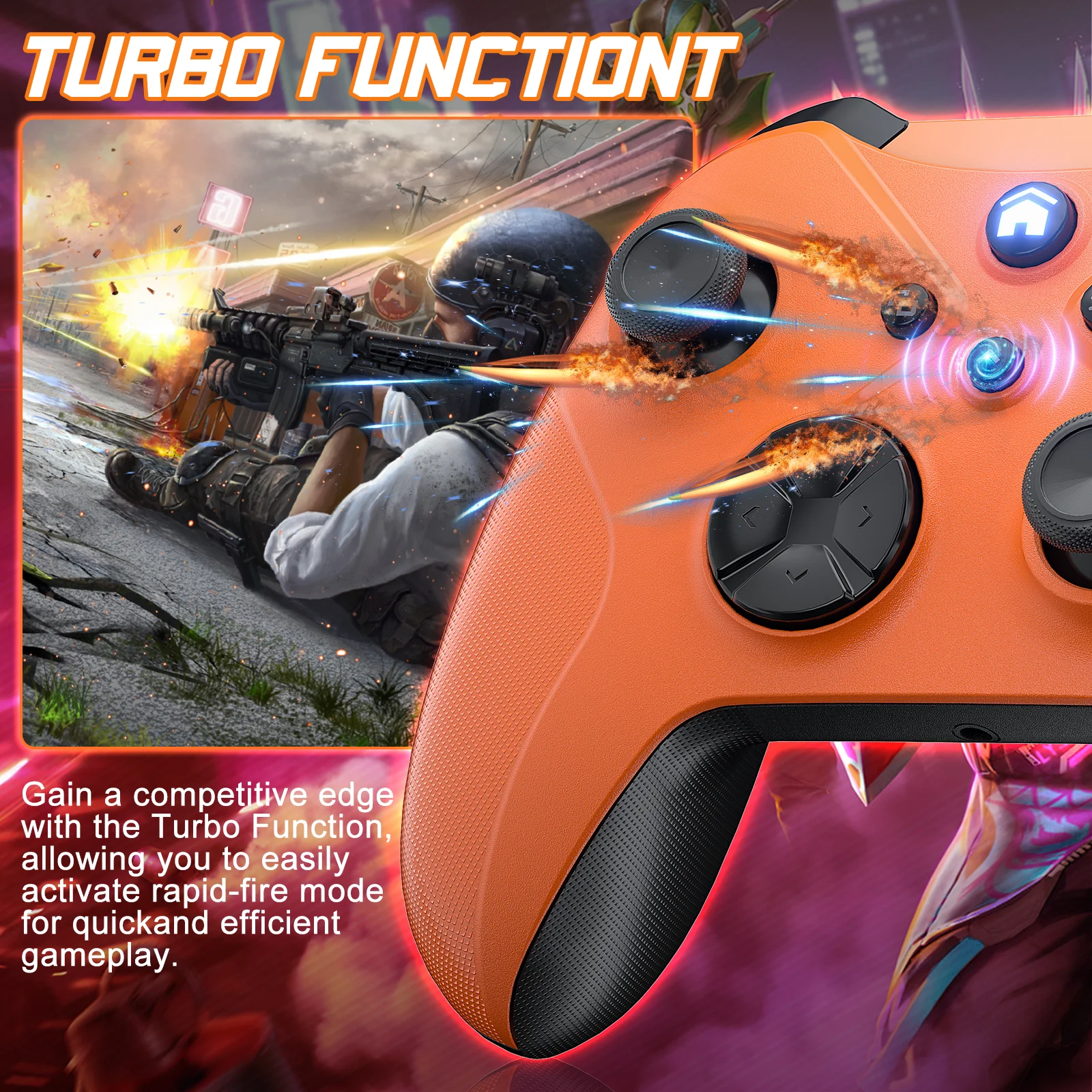
🎮The Xbox one controller uses a newly upgraded 3D joystick, which has moderate resistance and is sensitive and does not drift. High quality buttons ensure a longer service life. E-sports grade Hall linear trigger provides more precise operation. The controller supports Tubro function, has 2 mapping buttons on the back, and supports custom mapping buttons.
🎮The Xbox controller is equipped with a 1000mAh battery, which takes 2-3 hours to charge, providing 12-15 hours of use. 3.5mm audio port supports stereo output. Built-in six-axis gyroscope and dual vibration motors provide sensitive and precise somatosensory control and immersive vibration feedback.
🎮This wireless controller is suitable for Xbox One, Xbox One X/Xbox One S, Xbox Series X, Xbox Series S, WIndows 7 and above operating system PCs. The controller uses a wireless 2.4G USB adapter or USB cable to connect to the console, which is more stable, faster and more resistant to interference than Bluetooth connection.
▶ About the connection of the controller:
Xbox consoles connection:
1. Turn on the Xbox Console power
2. Insert the USB Dongle receiver
3. Press and hold the controller HOME button for 1 second, indicator light began to flash.
(HOME button and the indicator light of the USB Dongle keep on at the same time, indicating that the pairing is successful)
PC wireless connection (WINDOWS 10 and above system):
1. Insert the USB Dongle into the PC
2. Press and hold the controller HOME button for 1 second.
(the indicator light of the receiver and HOME button keep on at the same time, indicating that the pairing is successful)
▶ Note:
1. 3D joystick calibration- After turning on, automatically calibrate 3D joystick (do not touch the 3D joystick when booting).
2. Reset function- When the controller appears abnormal, you can use the reset key behind the controller to reset.
▶Packing list:
Wireless Gamepad ×1
USB Dongle ×1
Use Manual
Warranty Card ×1
Type-C Cable X1