

PS2 to HDMI-compatible Converter Adapter with 3.5mm Audio Output HD Converter for PlayStation 2 Plug & Play for HDTV/Monitor
PS2 To HDMI-compatib / No plug
$54.09
Skip to product information




PS2 to HDMI-compatible Converter Adapter with 3.5mm Audio Output HD Converter for PlayStation 2 Plug & Play for HDTV/Monitor
$54.09
- Free worldwide shipping
- Pre-ship QC
- Tracked delivery
- Arrives Nov 4 – Nov 13
- Import duties included
Defective, damaged or wrong item? Free replacement or refund — just send us a short video. Details
Product details & specifications
SPECIFICATIONS
Amplifier: No
Brand Name: AzzHww
Certification: CE,FCC,RoHS
Choice: yes
Connector A: PS2
Connector B: HDMI-Compatible
External Power Source: Yes
Gender: Male-Female
High-concerned chemical: none
Model Number: PS2 to HDMI-compatible Adapter
Origin: Mainland China
Package: Yes
Size: -
Type: PlayStation 2 To HDMI-compatible Converter
Weight: -
semi_Choice: yes
Wide Compatibility – Works with HDTVs & Monitors:
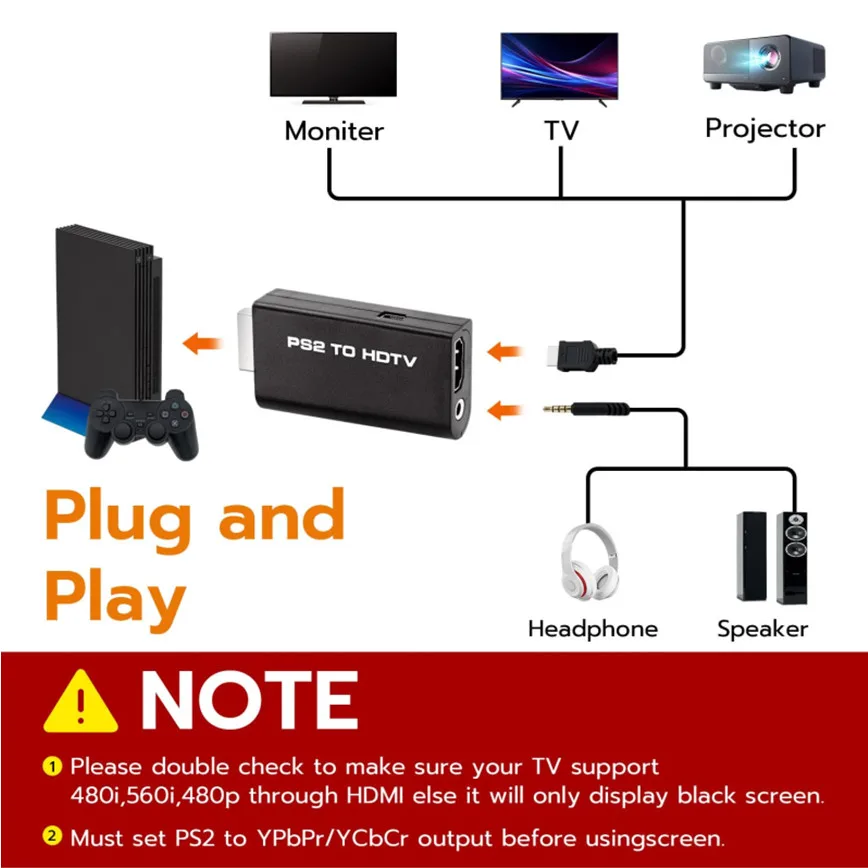
This PS2 to HDMI-compatible adapter supports all standard PS2 display modes (480i, 480p, 576i) and connects seamlessly to HDTVs, HDMI-compatible monitors, projectors, and more for a great gaming experience.
High-Definition Video & Audio Output:
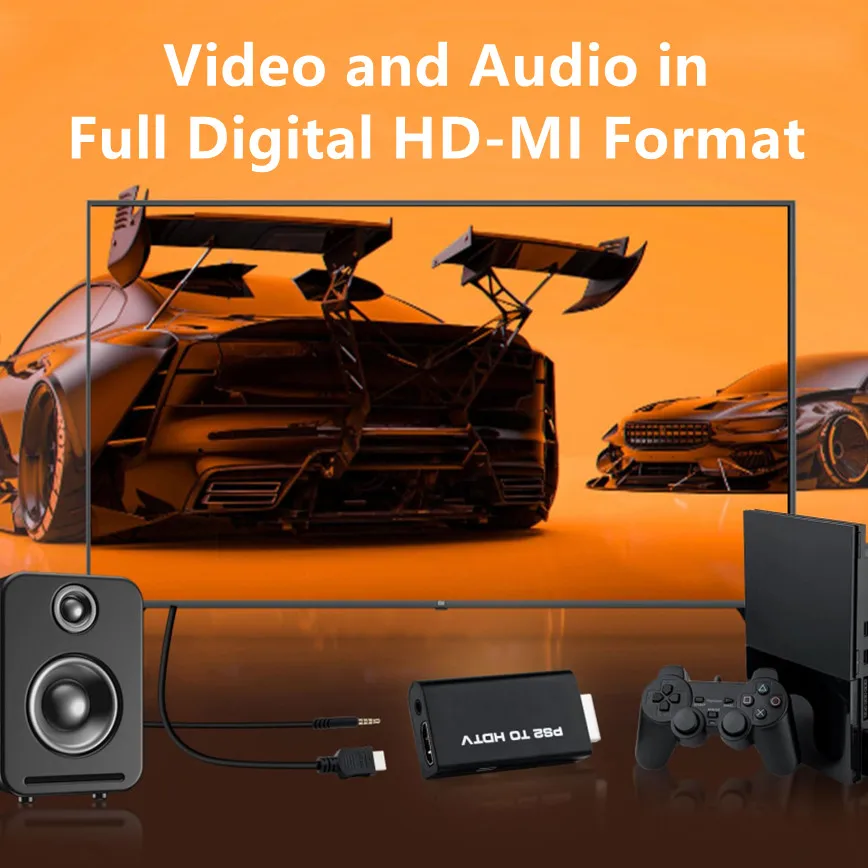
Enjoy crystal-clear digital video and audio via HDMI-compatible with perfect sync. This converter only supports YPbPr/YCbCr signals (component), delivering lossless quality for your classic PS2 games. (Note: CVBS signals are not supported.)
Designed for Original PS2 Consoles Only:
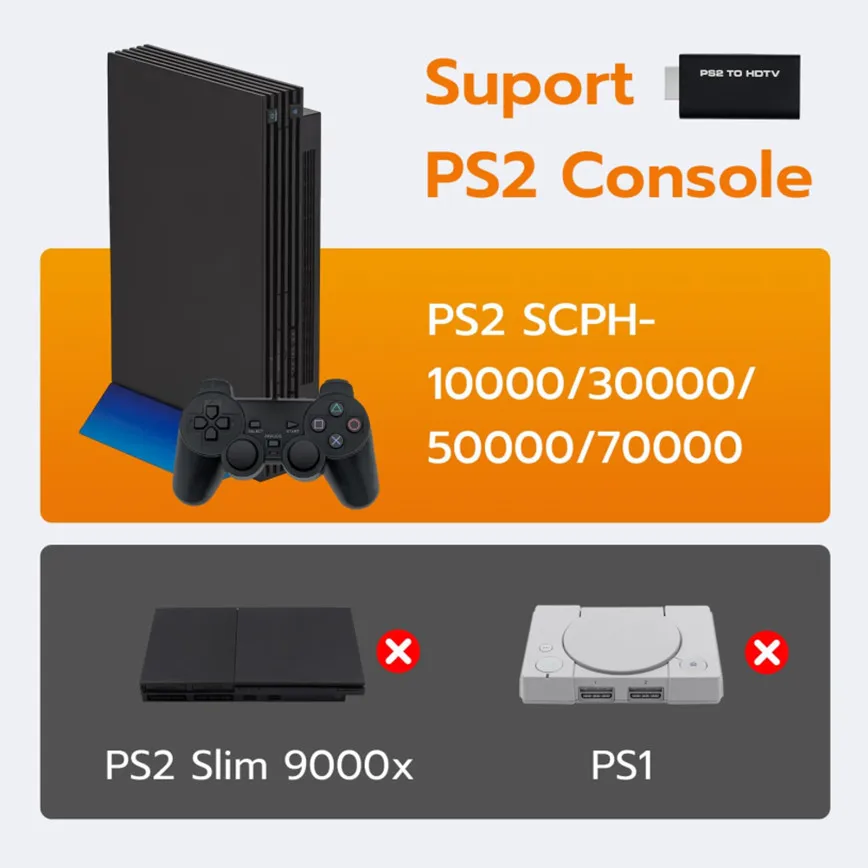
Our converteronly compatible with PS2 console models (10000/ 30000/ 50000/ 70000 series). Not for PS2 90000 consoles. If your PS2 has been hardware- or software-modified, the PS2 HDMI-compatible adapter may not function correctly, potentially resulting in a black screen or loss of signal.
Plug & Play with USB Power Supply:
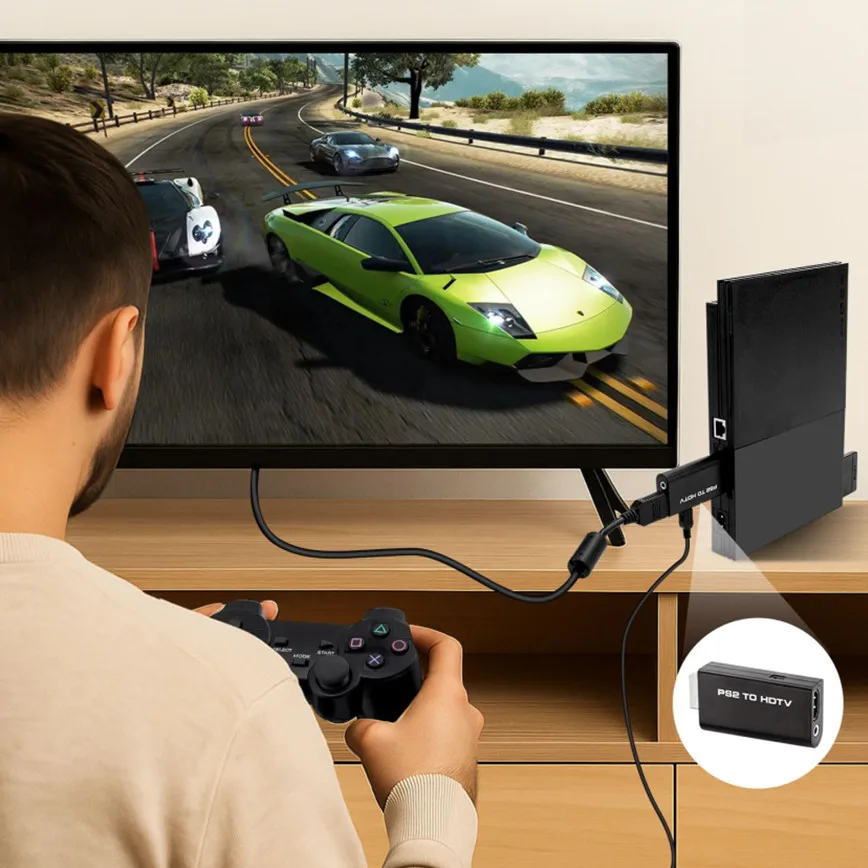
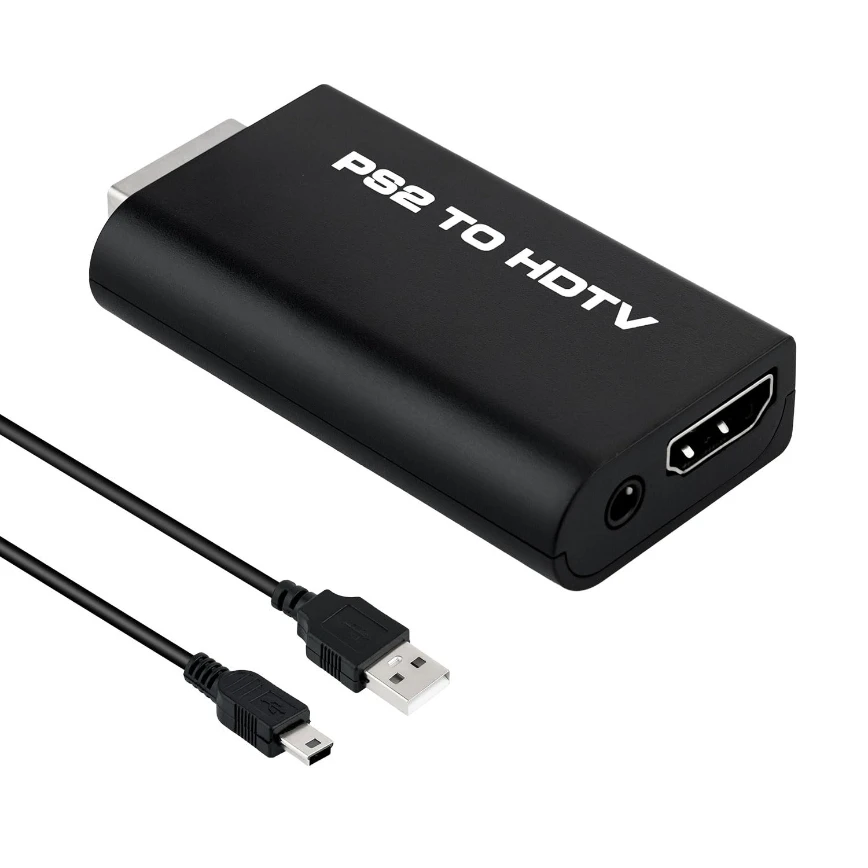
No drivers needed. Simply connect the converter between your PS2 and display, with no complex drivers required, this PS2 to HDMI-compatible converter ensures a straightforward installation for a seamless gaming experience.
PROGRESSIVE SCAN TIPS & PLACEMENT NOTES:
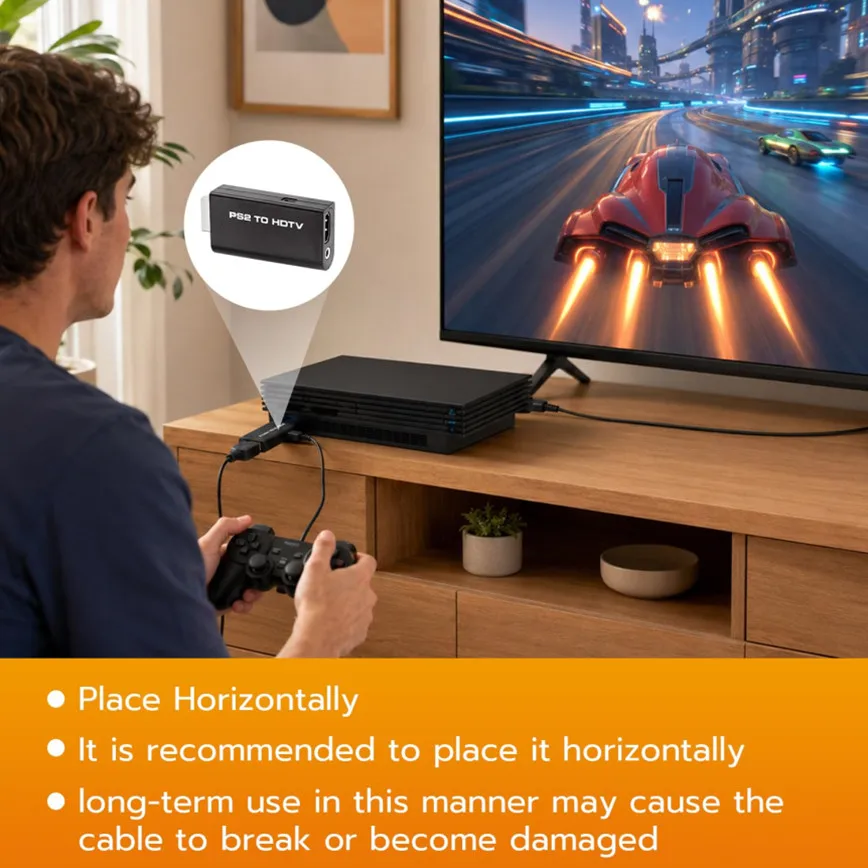
Progressive Scan must be activated manually — hold X + Triangle when launching a compatible game. Unlike original component cables, auto-detection is not supported. For stable cable routing, always use your PS2 in HORIZONTAL position. Vertical placement causes the converter's USB power cable to press against the console's power cord — lay the console flat to prevent long-term strain on both cables.
Avoid Black Screen – Easy Setup Required:
Make sure to set your PS2 output to YPbPr/YCbCr (component mode) before using this HDMI-compatible converter. Check our setup video or search “How to set up PS2 to HDMI-compatible adapter” online to avoid black screen or “out of range” errors.
This PS2 to HDMI-compatible adapter supports all standard PS2 display modes (480i, 480p, 576i) and connects seamlessly to HDTVs, HDMI-compatible monitors, projectors, and more for a great gaming experience.
High-Definition Video & Audio Output:
Enjoy crystal-clear digital video and audio via HDMI-compatible with perfect sync. This converter only supports YPbPr/YCbCr signals (component), delivering lossless quality for your classic PS2 games. (Note: CVBS signals are not supported.)
Designed for Original PS2 Consoles Only:
Our converteronly compatible with PS2 console models (10000/ 30000/ 50000/ 70000 series). Not for PS2 90000 consoles. If your PS2 has been hardware- or software-modified, the PS2 HDMI-compatible adapter may not function correctly, potentially resulting in a black screen or loss of signal.
Plug & Play with USB Power Supply:
No drivers needed. Simply connect the converter between your PS2 and display, with no complex drivers required, this PS2 to HDMI-compatible converter ensures a straightforward installation for a seamless gaming experience.
PROGRESSIVE SCAN TIPS & PLACEMENT NOTES:
Progressive Scan must be activated manually — hold X + Triangle when launching a compatible game. Unlike original component cables, auto-detection is not supported. For stable cable routing, always use your PS2 in HORIZONTAL position. Vertical placement causes the converter's USB power cable to press against the console's power cord — lay the console flat to prevent long-term strain on both cables.
Avoid Black Screen – Easy Setup Required:
Make sure to set your PS2 output to YPbPr/YCbCr (component mode) before using this HDMI-compatible converter. Check our setup video or search “How to set up PS2 to HDMI-compatible adapter” online to avoid black screen or “out of range” errors.