

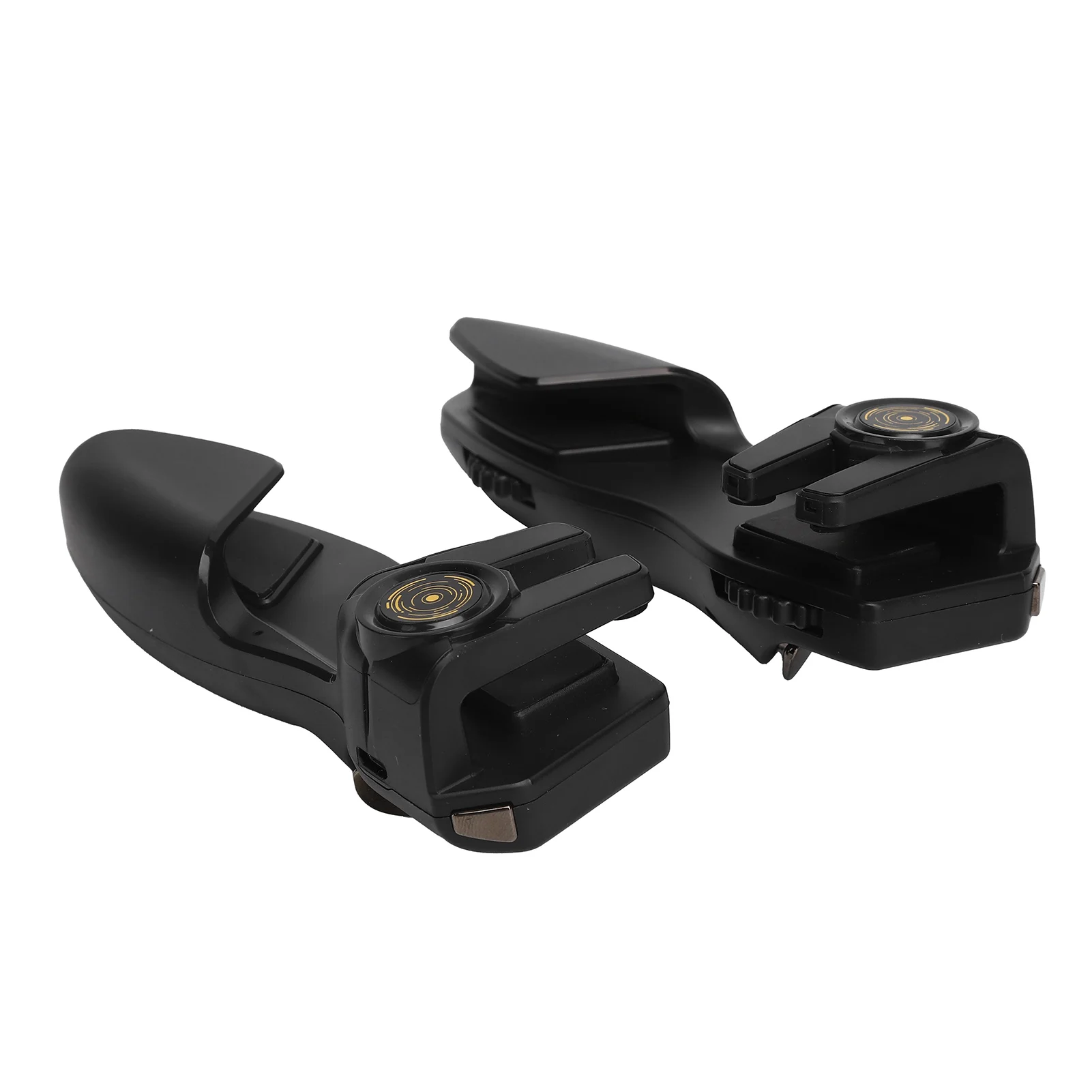
Game Handle Mobile Game Handle Controller 6 Finger Shooting Button Trigger Auxiliary Gamepad Shooting Gamepad Tablet Game Handle


Game Handle Mobile Game Handle Controller 6 Finger Shooting Button Trigger Auxiliary Gamepad Shooting Gamepad Tablet Game Handle
- Free worldwide shipping
- Pre-ship QC
- Tracked delivery
- Arrives Nov 4 – Nov 13
- Import duties included
Defective, damaged or wrong item? Free replacement or refund — just send us a short video. Details
Product details & specifications
SPECIFICATIONS
Battery Included: Yes
Brand Name: Qiilu
Choice: yes
Compatible Brand/Model: Konami
High-concerned chemical: None
Origin: Mainland China
Trigger Button Type: None
Type: Gamepads
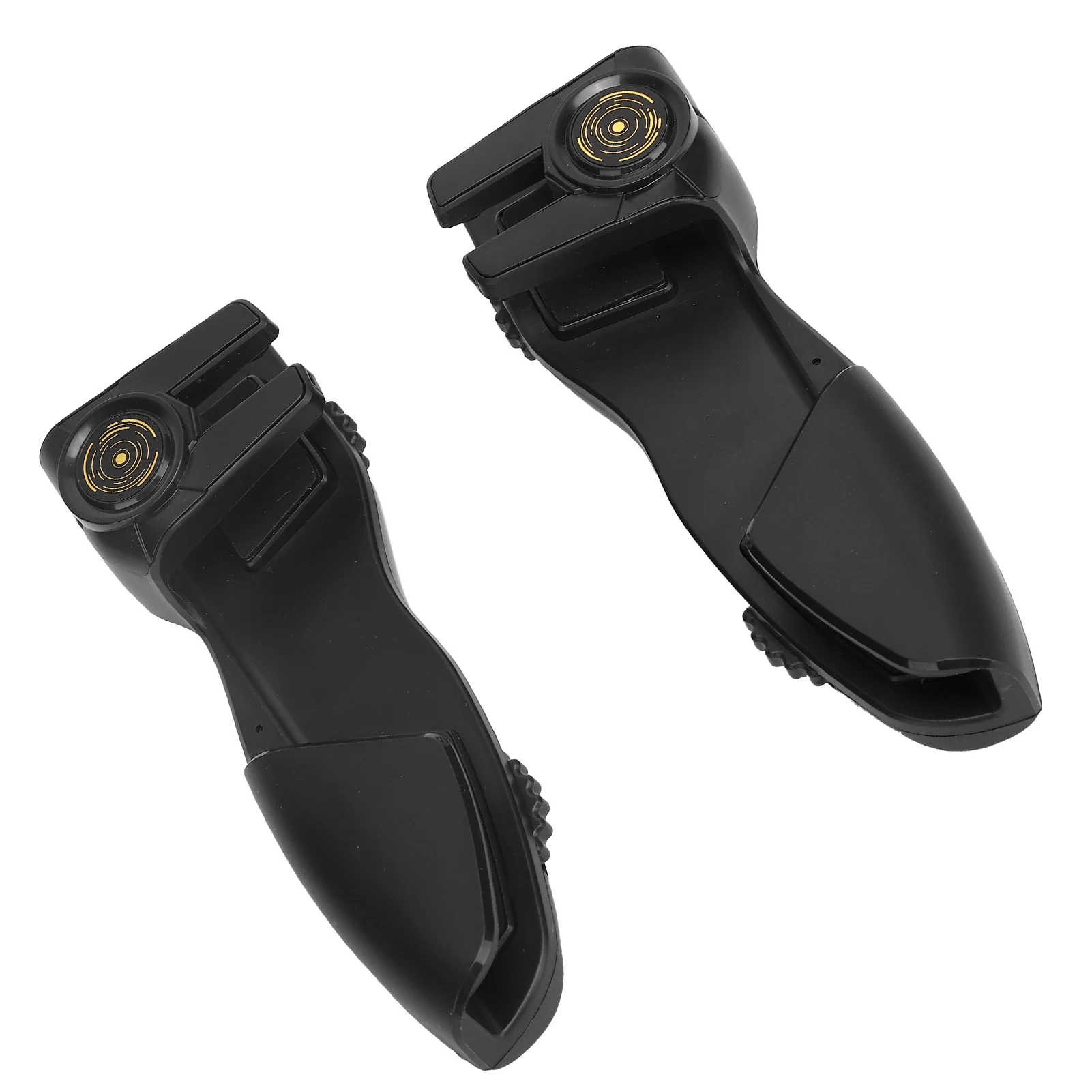
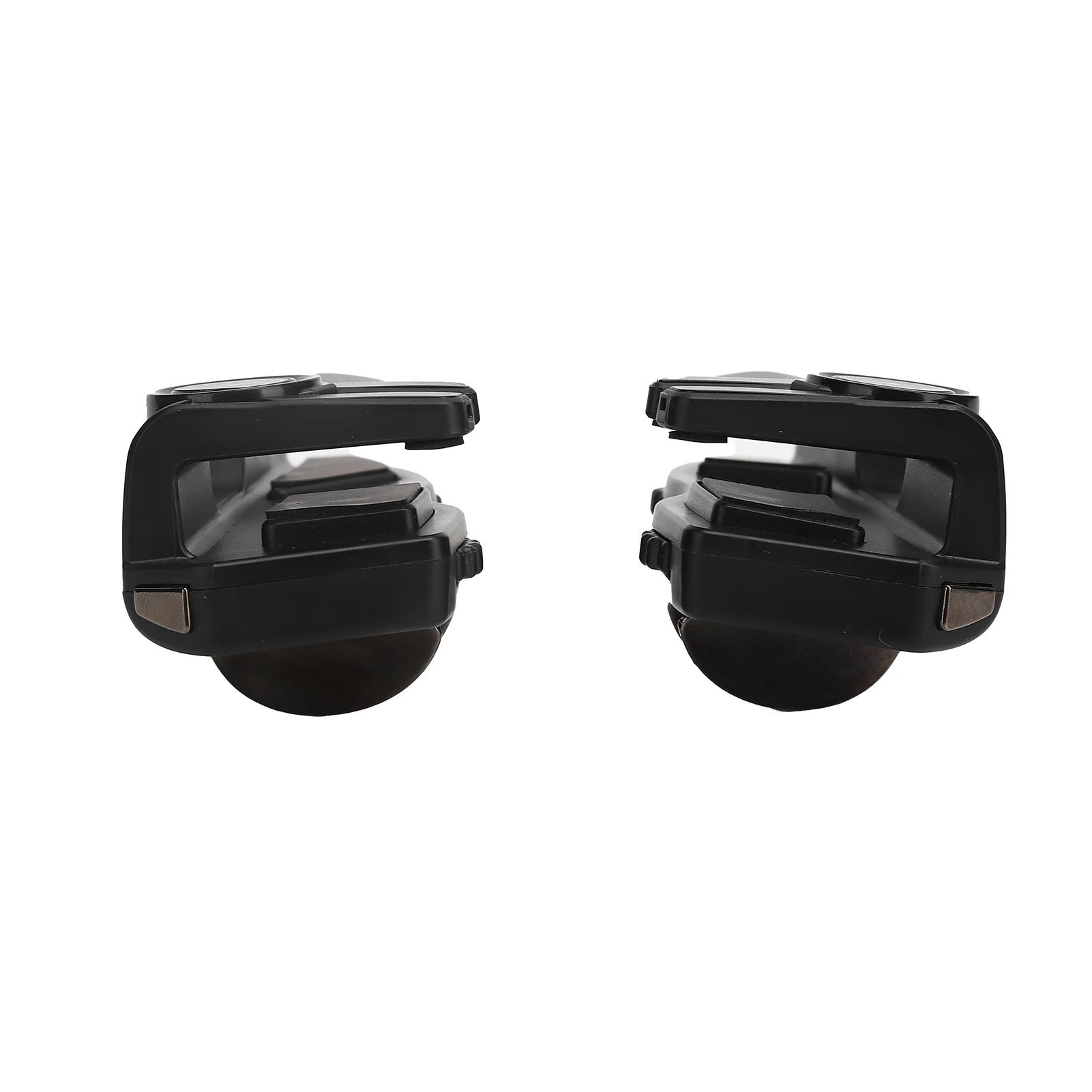
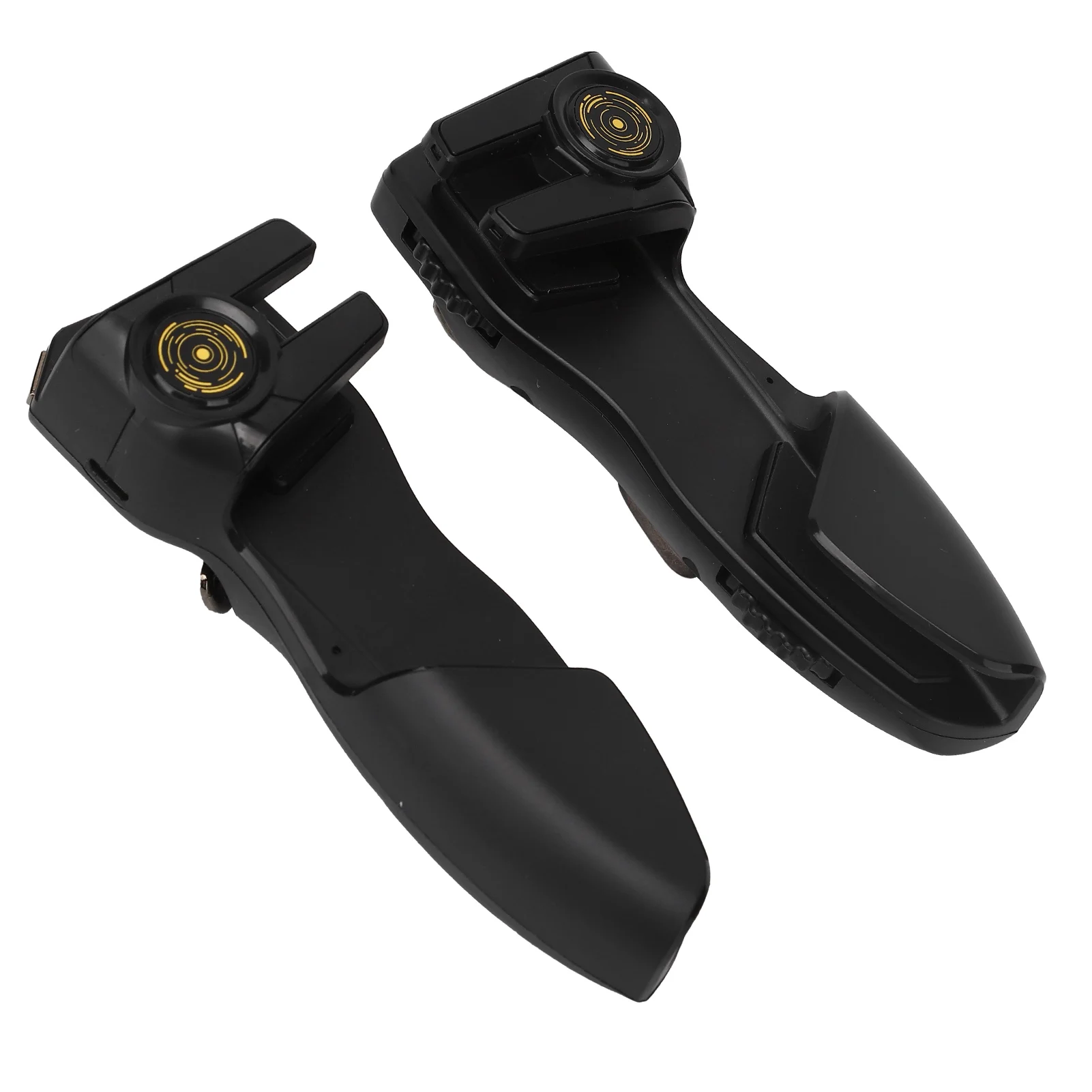
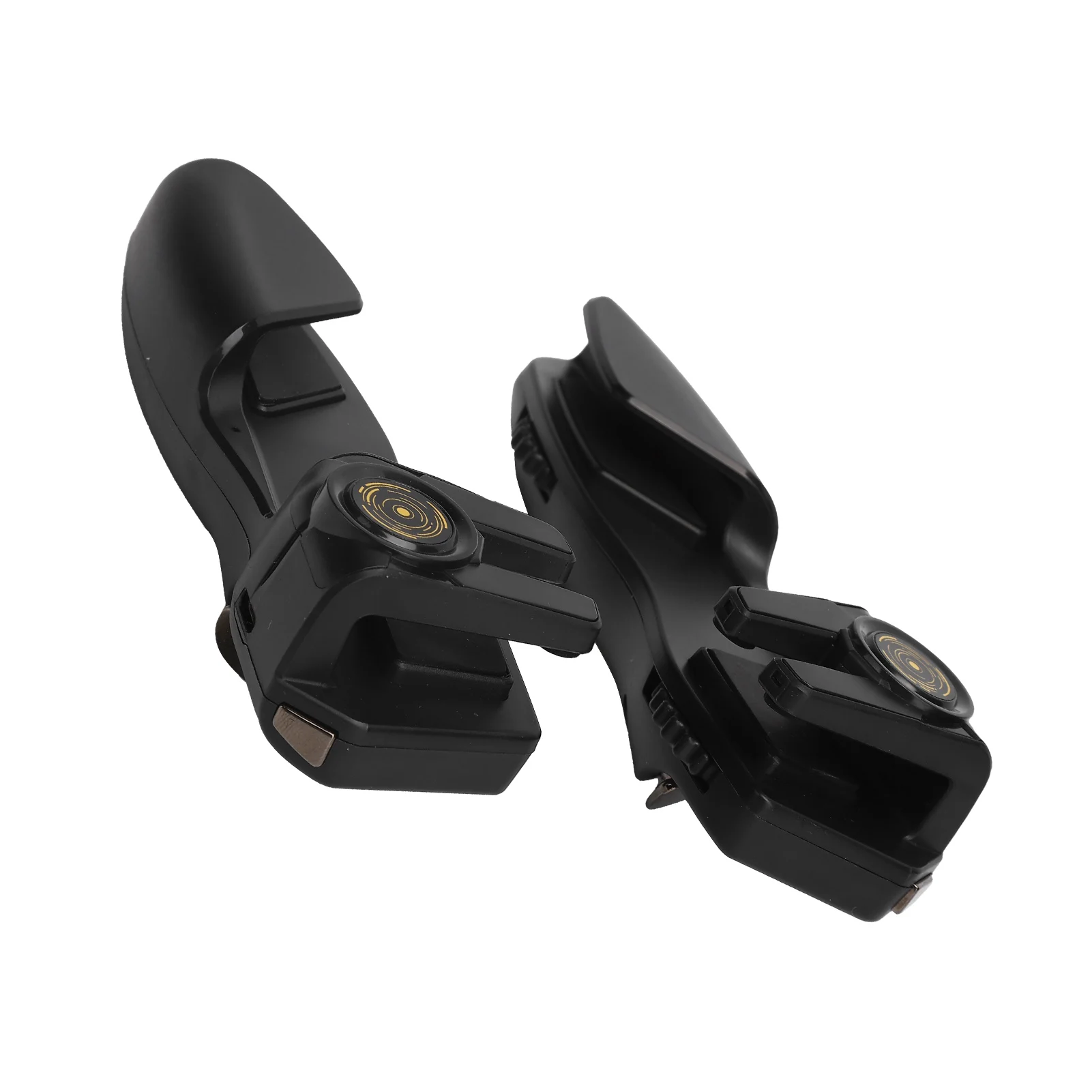
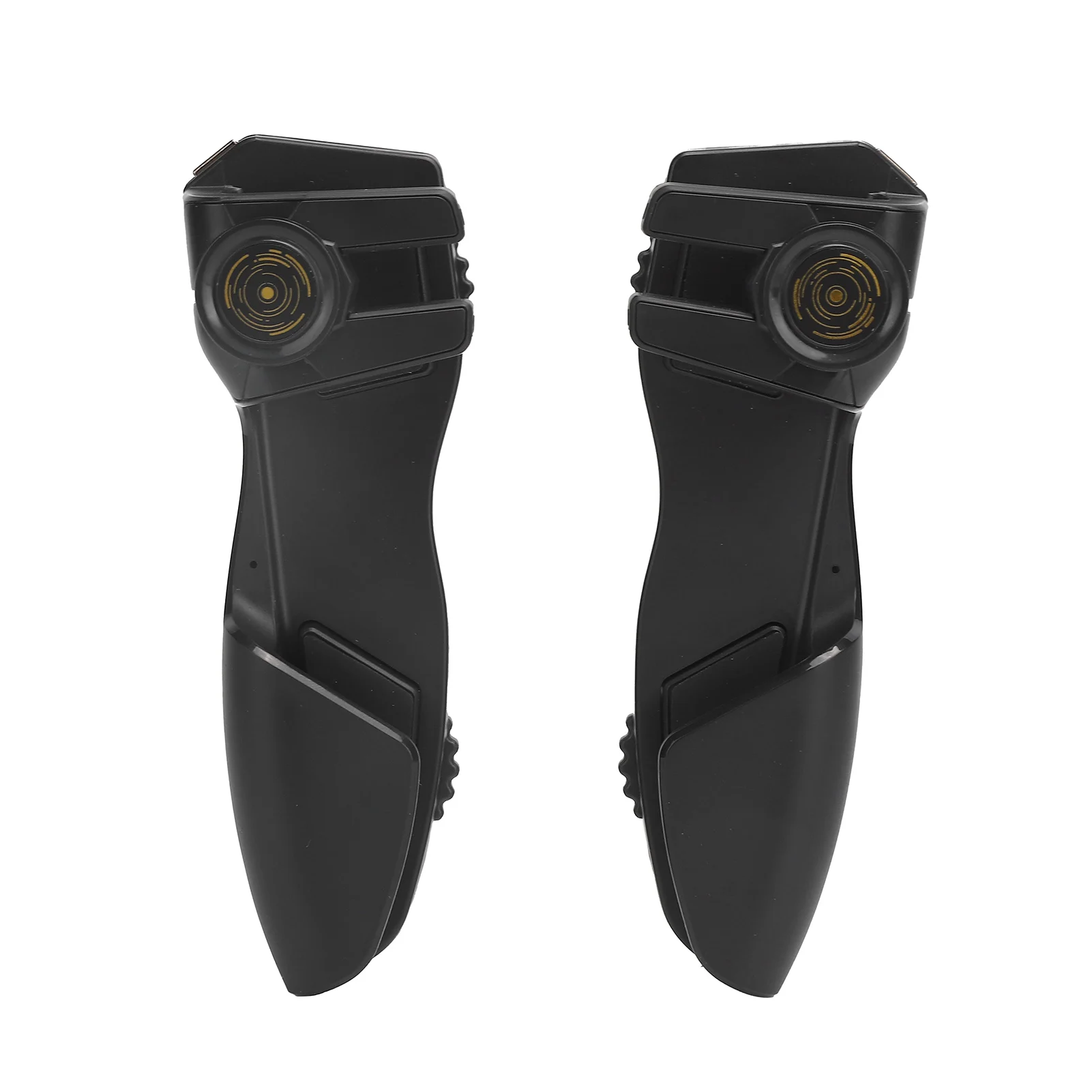
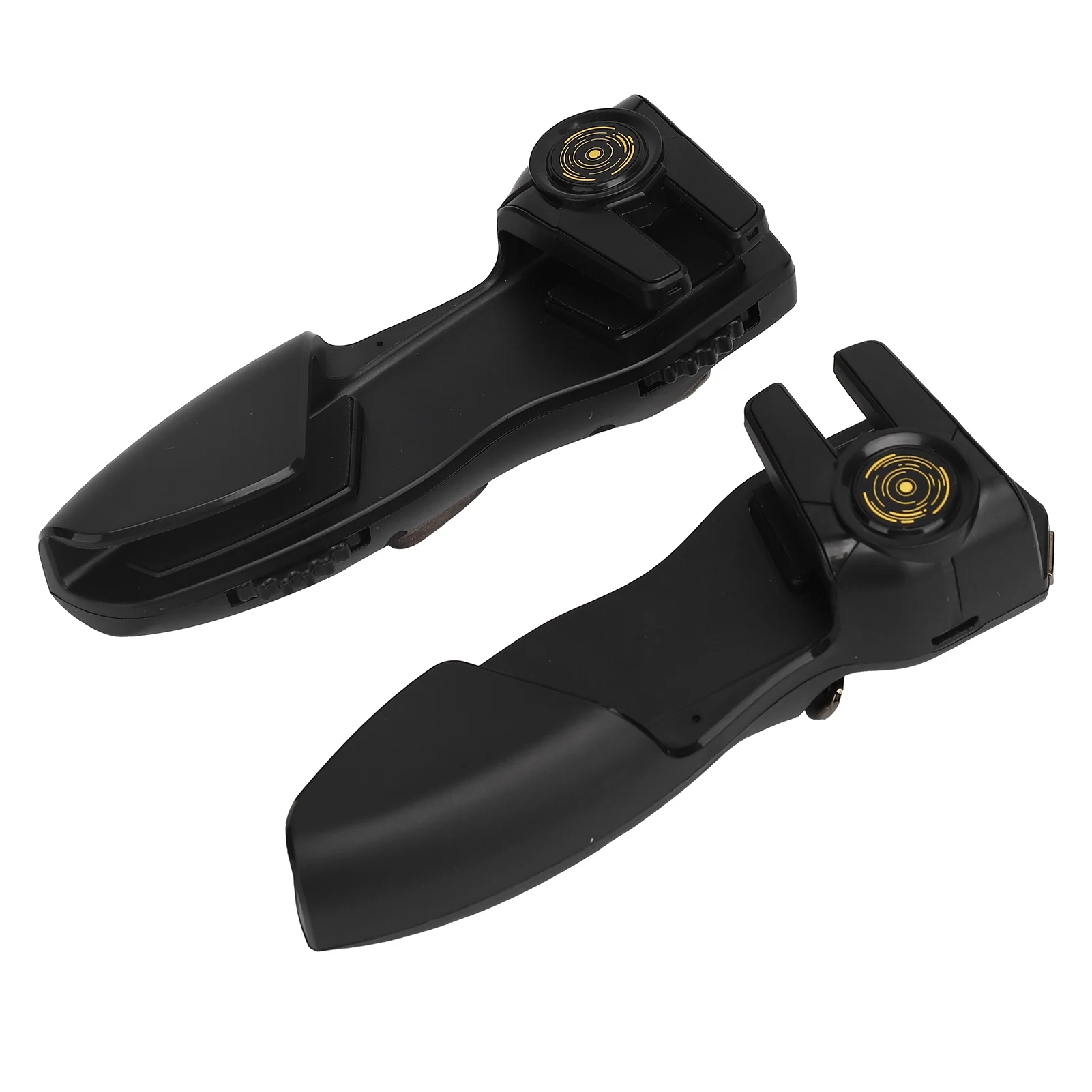
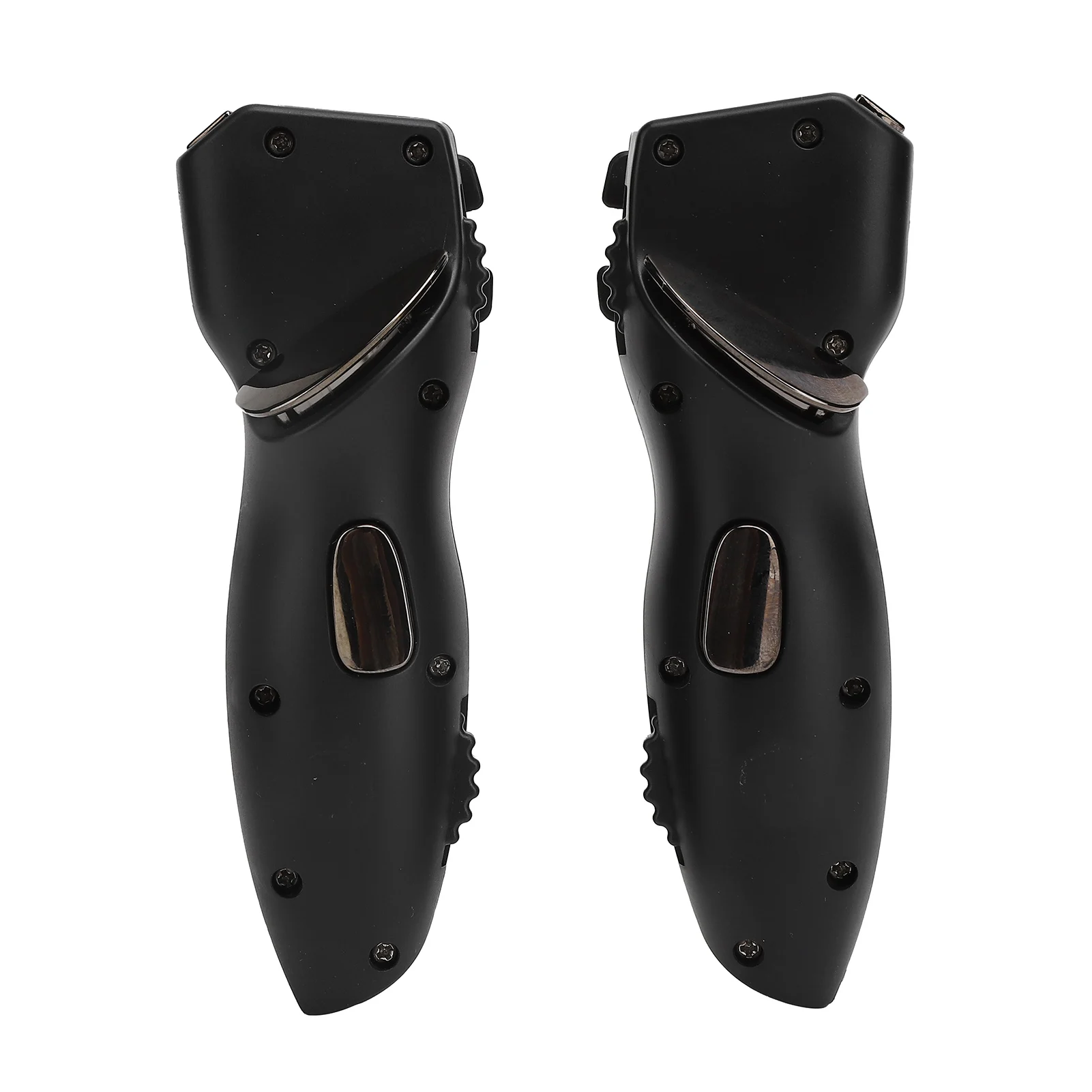
Mobile Game Handle Controller 6 Finger Shooting Button Trigger Auxiliary Gamepad
Feature:
2. Shooting auxiliary button, recording the frequency of manual clicks, one‑key loop playback.
3. Highly sensitive, no delay, support click shooting or sweep shooting, bringing a high‑quality gaming experience.
4. Ergonomics, buttons are designed according to the finger position, anti‑slip and sweat‑proof.
5. With silicone protection, soft and skin‑friendly, does not damage the machine, and is easy to install and use.
Specification:
Material: ABS
Model: PAD8K
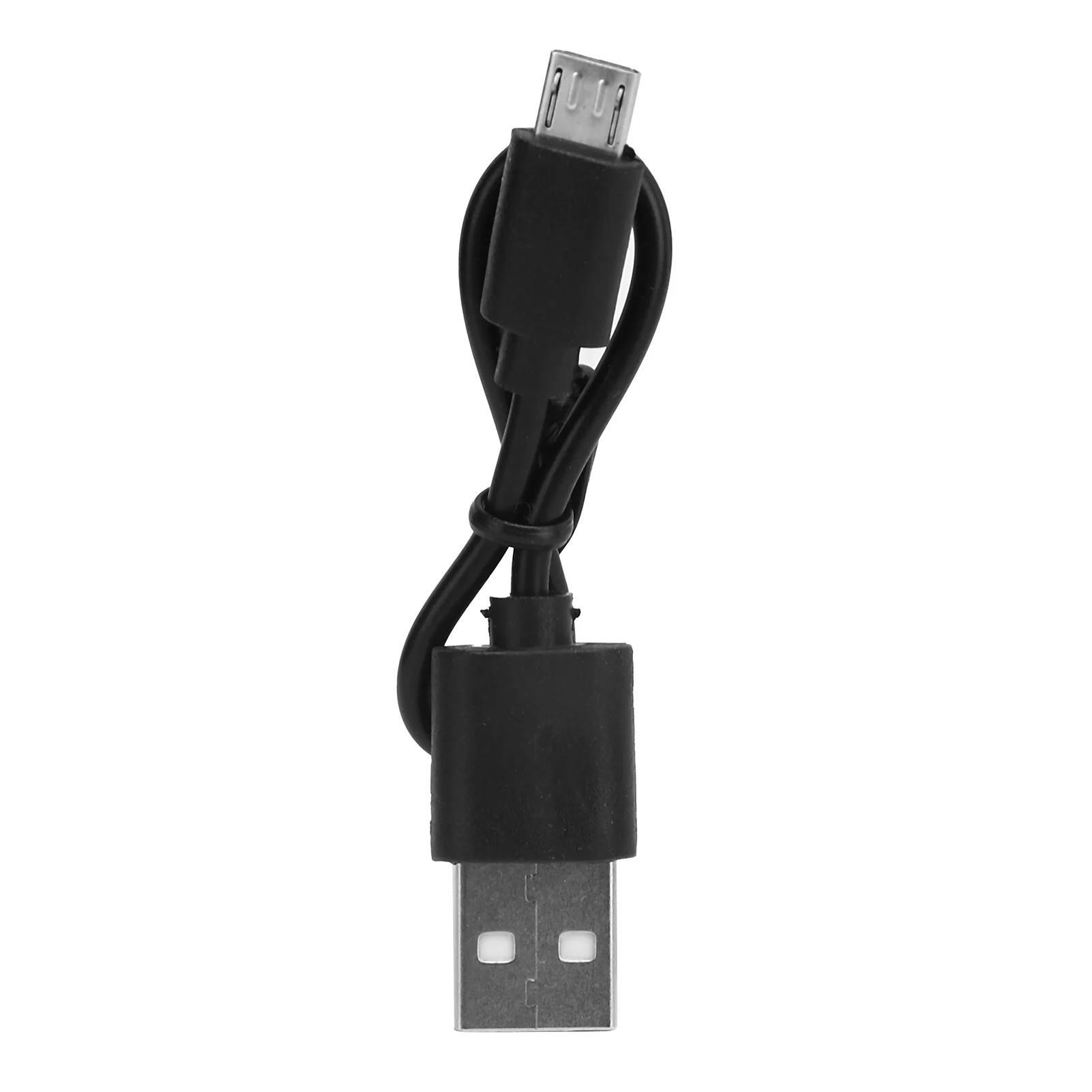
Interface: USB
Battery: Lithium Battery
Battery Capacity: 80mAh
How to Use:
Package List:
2 x Gamepad
1 x Data Line
2) Payment must be made within 3 days of order.
4. The images shown are not the actual item and are for your reference .
thanks
It is impossible to address issues if we do not know about them!