GBA 3.2-Inch IPS LCD Kit, 960x640 with Custom Shell


GBA 3.2-Inch IPS LCD Kit, 960x640 with Custom Shell
- Free worldwide shipping
- Pre-ship QC
- Tracked delivery
- Arrives Nov 4 – Nov 13
- Import duties included
Defective, damaged or wrong item? Free replacement or refund — just send us a short video. Details
Product details & specifications
Refresh a Game Boy Advance with a 3.2-inch IPS LCD kit and dedicated shell.
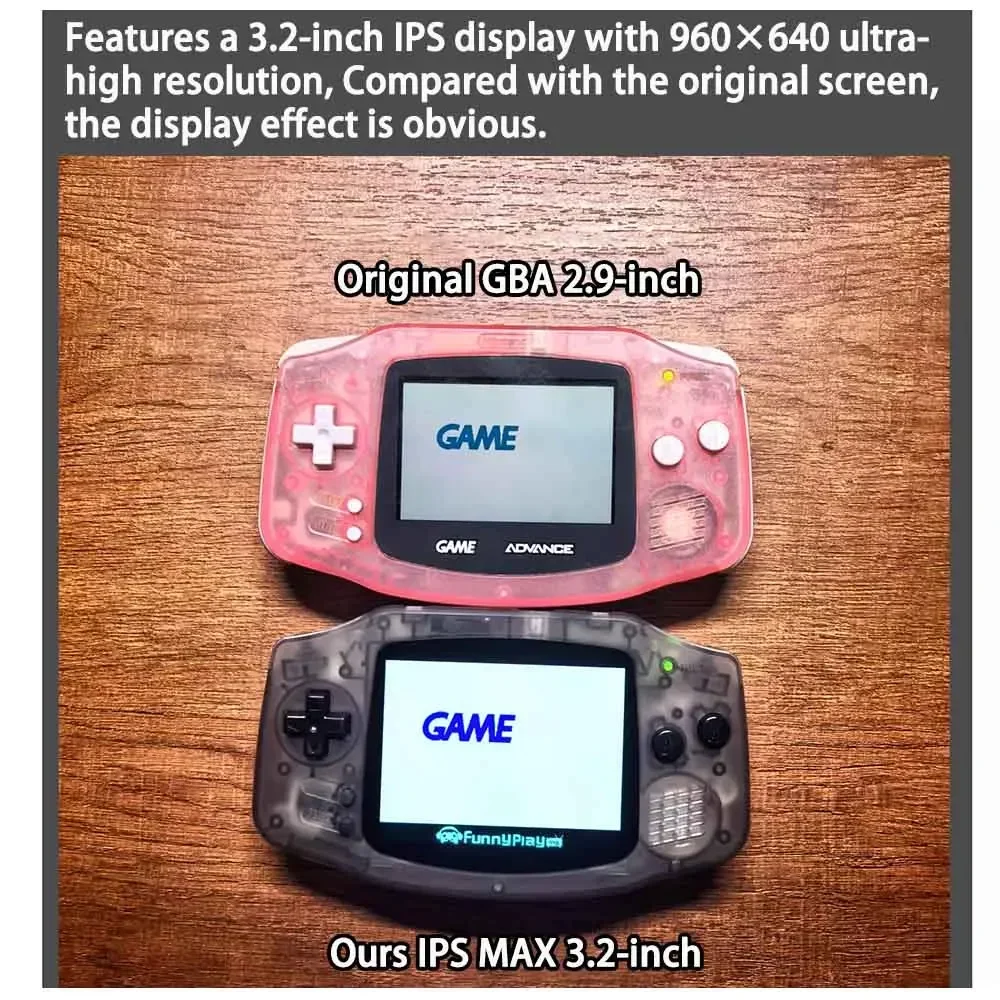
- 3.2-inch IPS LCD with 960 x 640 resolution
- Supports 11 brightness levels and five built-in color modes
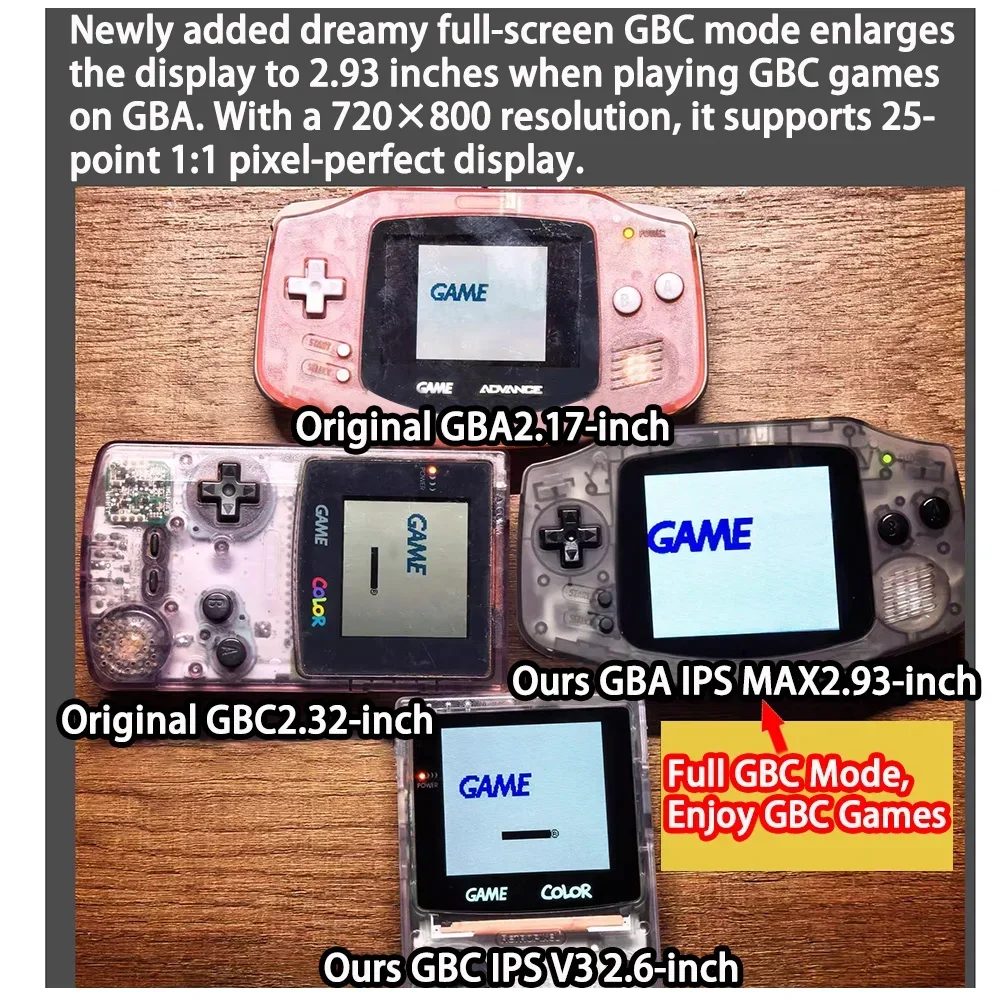
- Also lists a 2.93-inch GBC mode at 720 x 800 resolution
- Buttons, rubber pads, and the original shell logo are not included
SPECIFICATIONS
Accessories Type: Accessory Kits
Bluetooth range: 0
Brand Name: Erilles
Cable features: Without cable
Compatible Brand/Model: Nintendo
Compatible Nintendo Model: GameBoy Advance
Control Method: Push button
Controls Type: Others
Electric: No
Enclosure material: Plastic
Fastening type: Others
Feature 1: 3.2-inch, 960x640 ultra-high resolution
Feature 2: Support 11 levels Brightness Adjustment
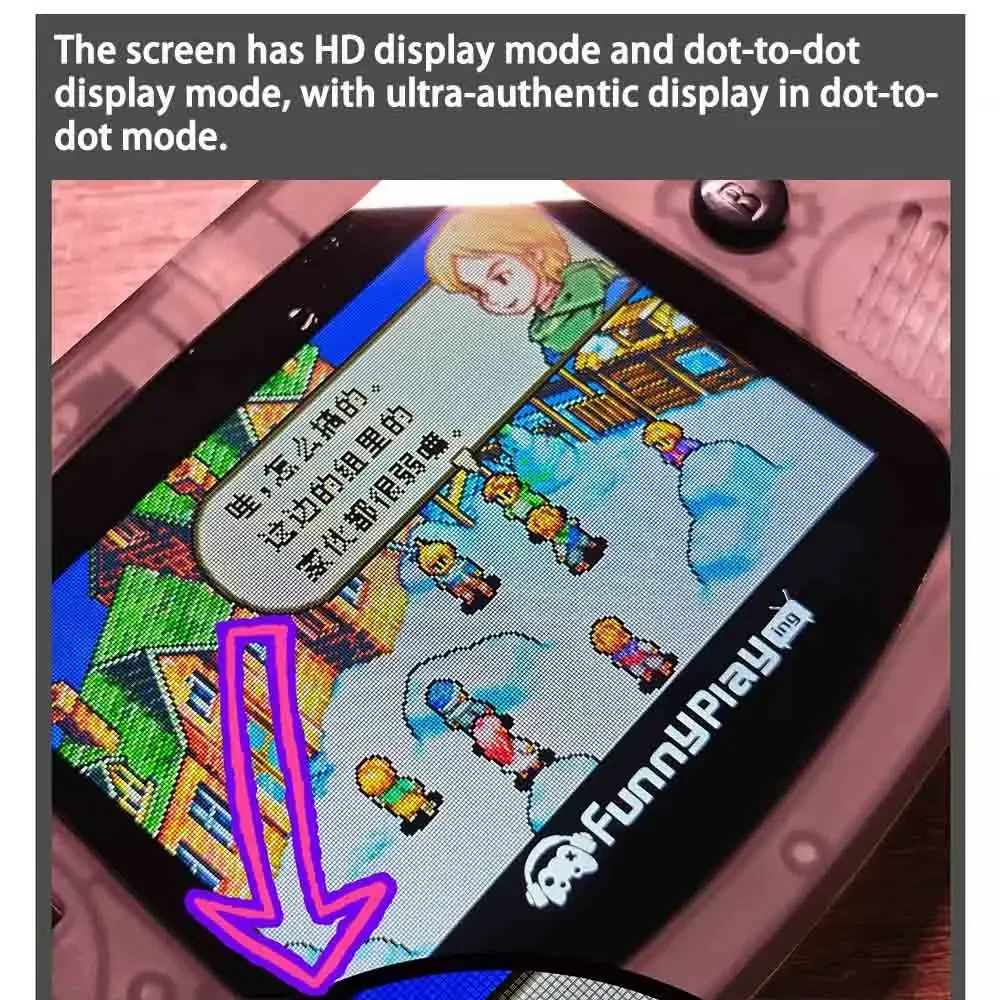
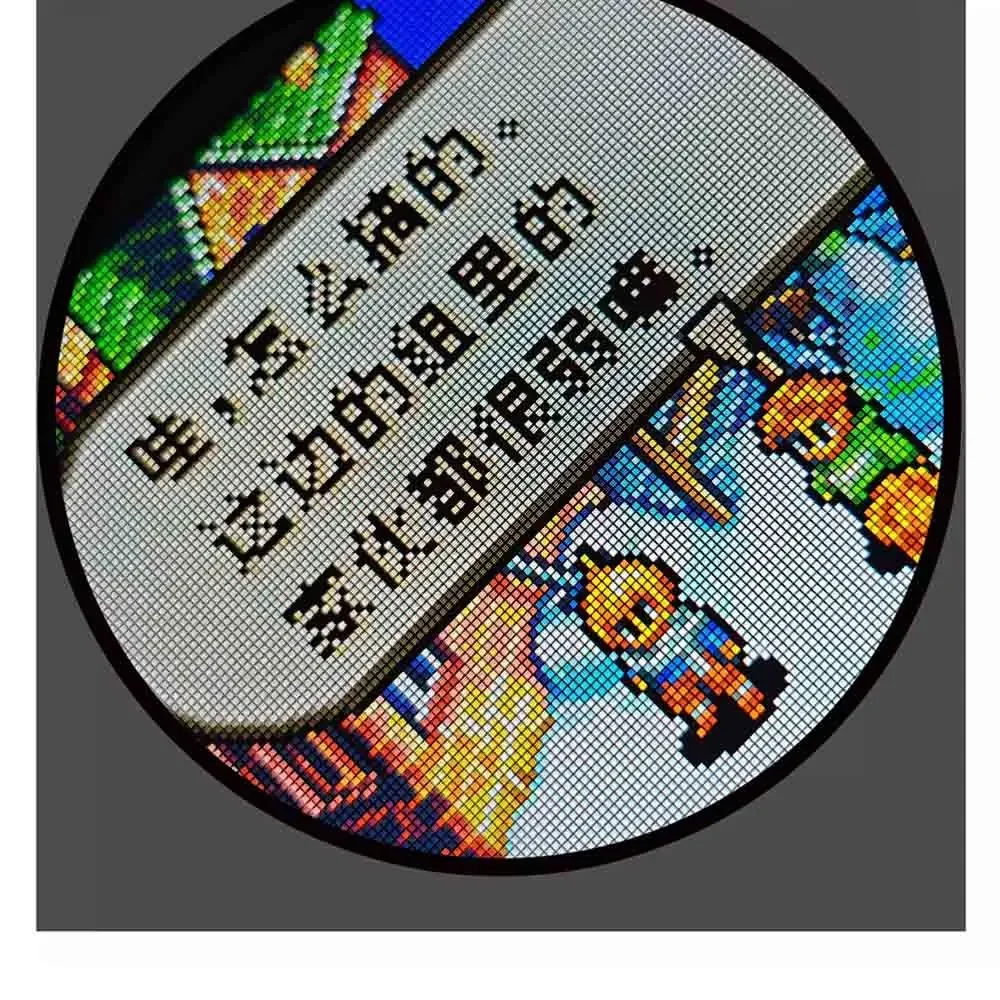
Feature 3: HD display mode and Dot-to-Dot display mode
Feature 4: With 5 built-in color modes
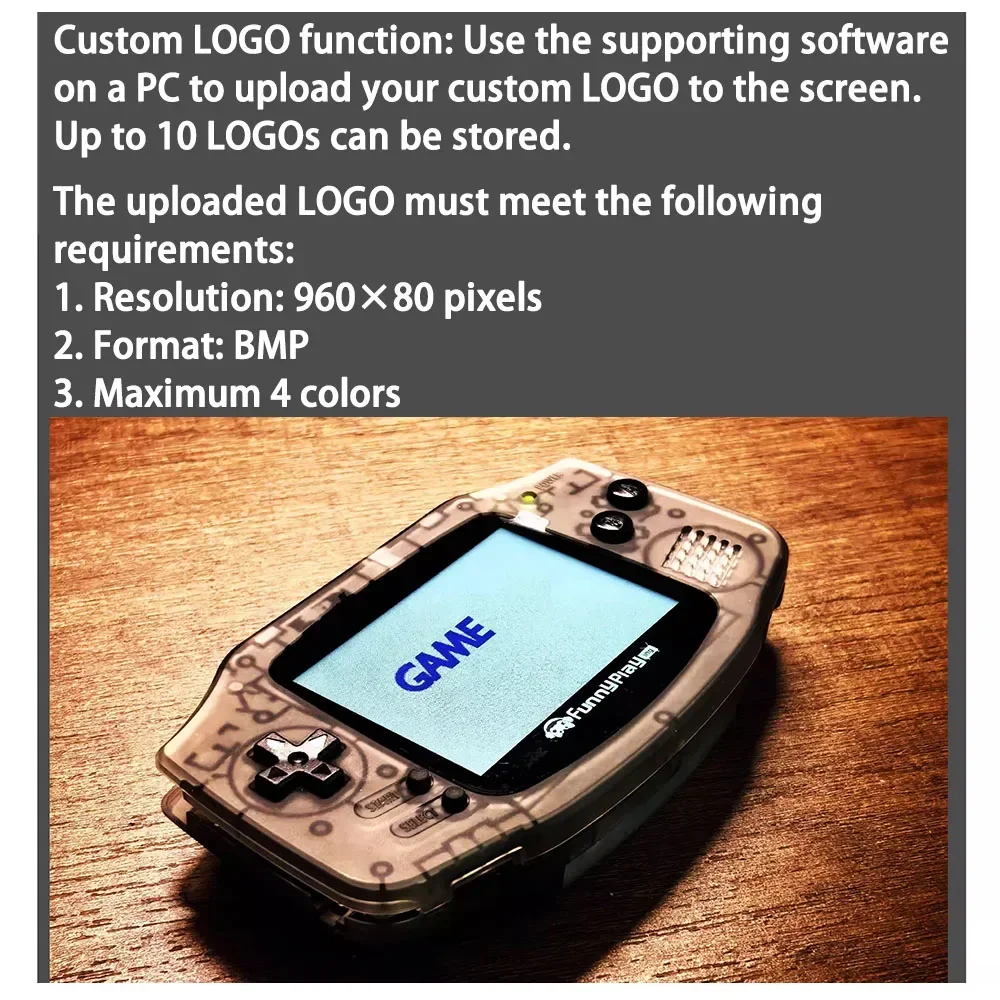
Feature 5: Supports switching between uploaded logos, storing up to 10
Feature 6: Support 2.93-inch GBC mode, 720x800 resolution,25-in-1 IPS
Harness Feature: Others
High-concerned chemical: none
Material: 16-in-1 Pixel, IPS Laminated LCD Screen
Model Number: 3.2-inch IPS Max Laminated LCD Kits with Custom Shell For GBA
Occasion: Others
Origin: Mainland China
Platform: Other
Portable: Yes
Reusability: Reusable
Sensor Technology: Others
With USB: No
for nintend accessories: for gba
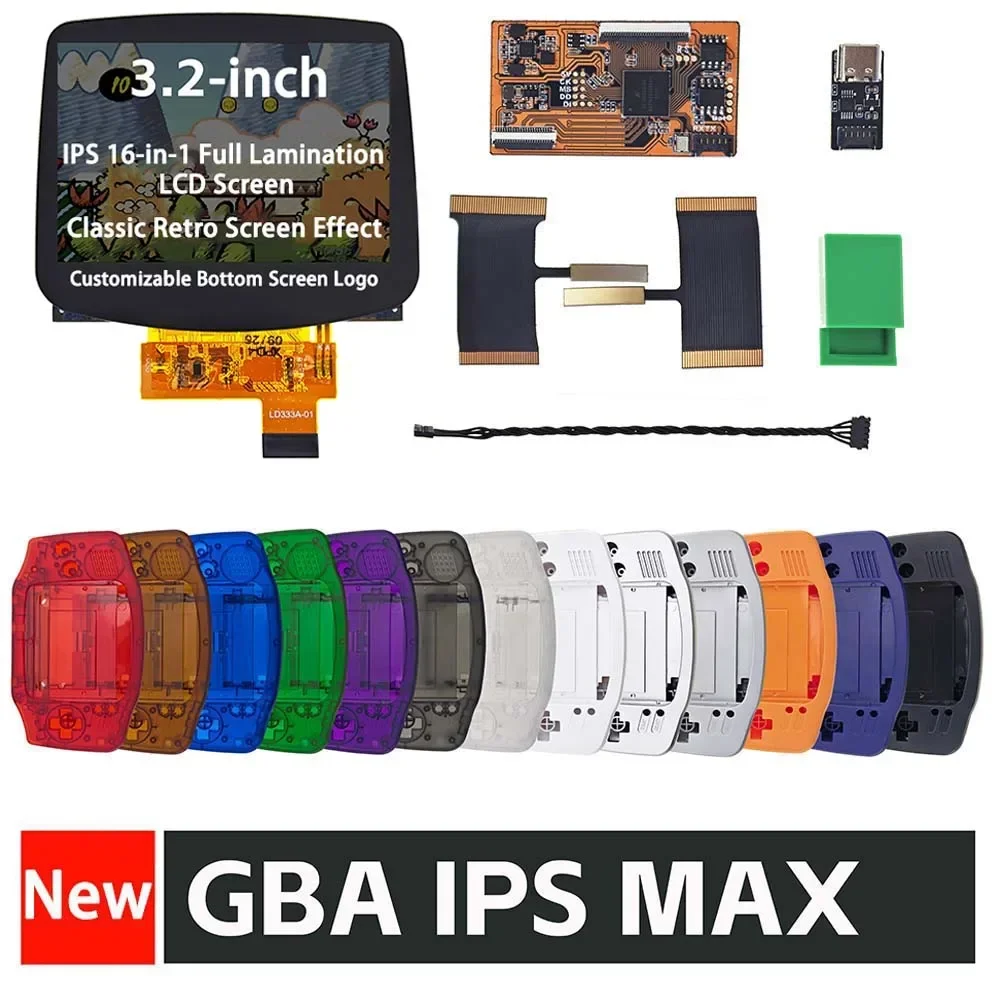
3.2-inch IPS MAX Laminated LCD Screen Kits With Dedicated Shell For GameBoy Advance GBA Custom Screen Logo Highlight IPS V4 MAX
Notes: Without the Buttons and Rubber Pads. Also without the original logo on the shell, hope you will know it.
IPS MAX Laminated Highlight Brightness LCD Screen Kits For GBA
Screen Features:
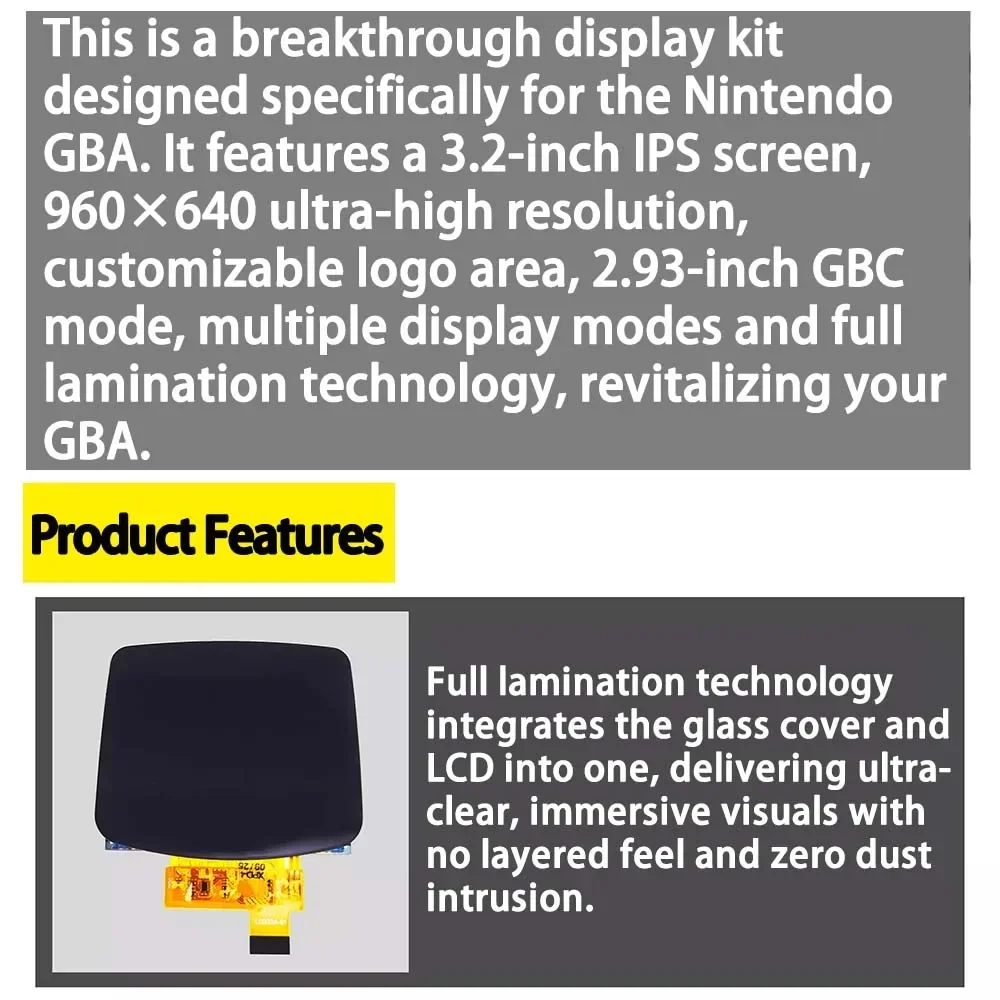
1. This is a breakthrough display kit designed specifically for the Nintendo GBA. It features a 3.2-inch IPS screen, 16-in-1 pixel ,960×640 ultra-high resolution, customizable logo area, 2.93-inch GBC mode, multiple display modes and full lamination technology, revitalizing your GBA.
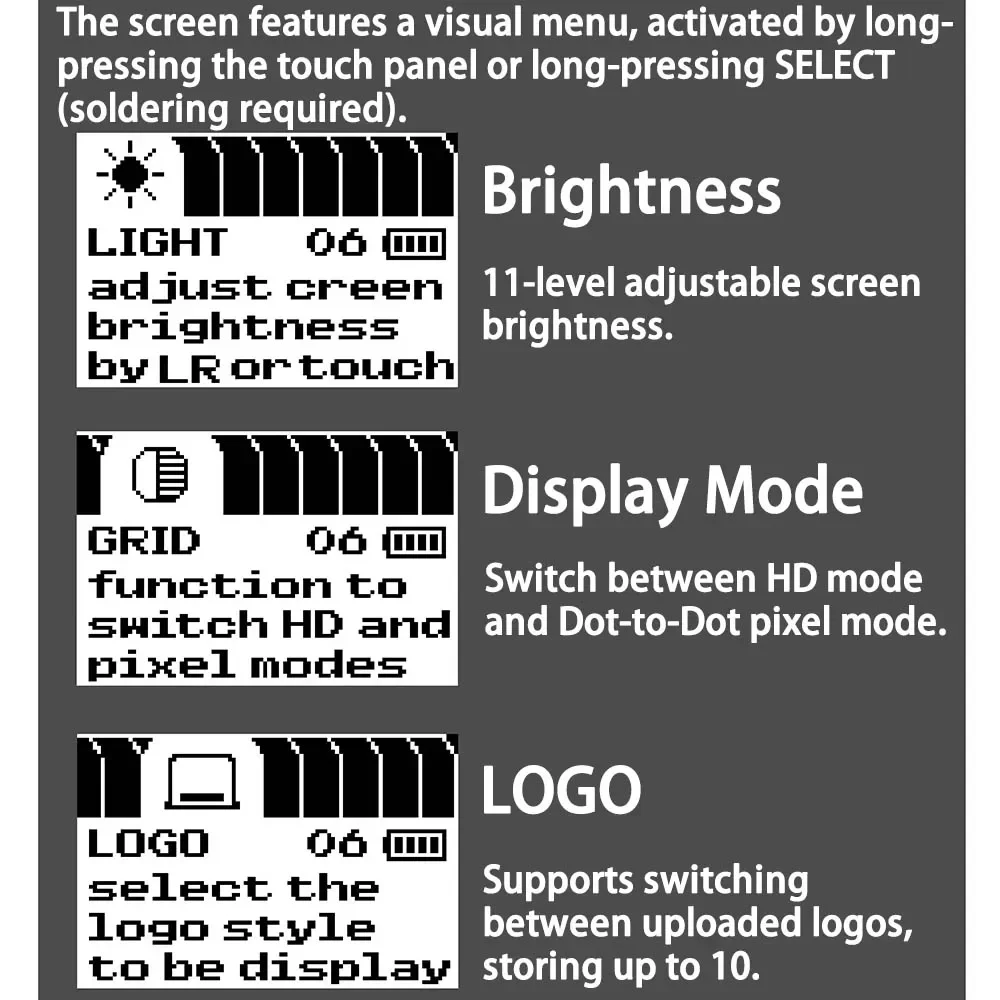
2. The screen features a visual menu, activated by long-pressing the touch panel or long-pressing SELECT (soldering required).
3. Brightness: Support 11-level adjustable screenbrightness.
4. Display Mode: Switch between HD modeand Dot-to-Dot pixel mode.
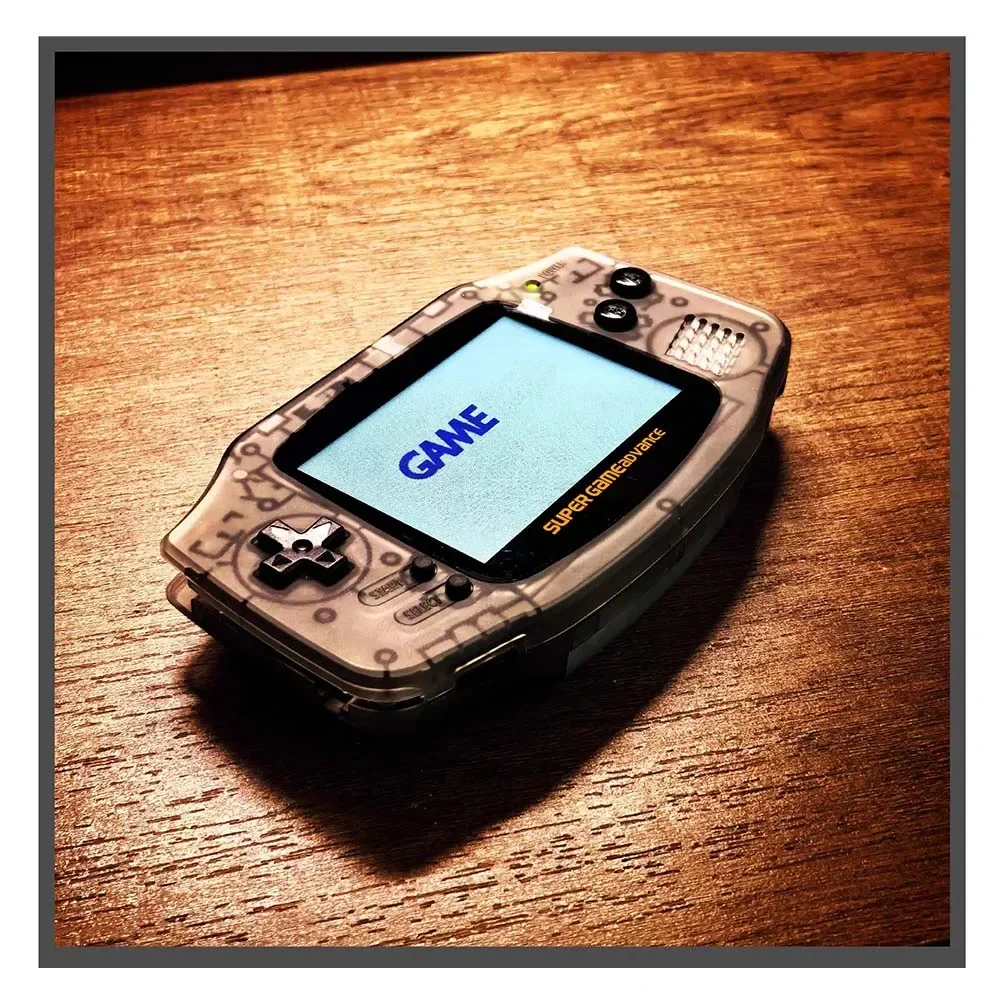
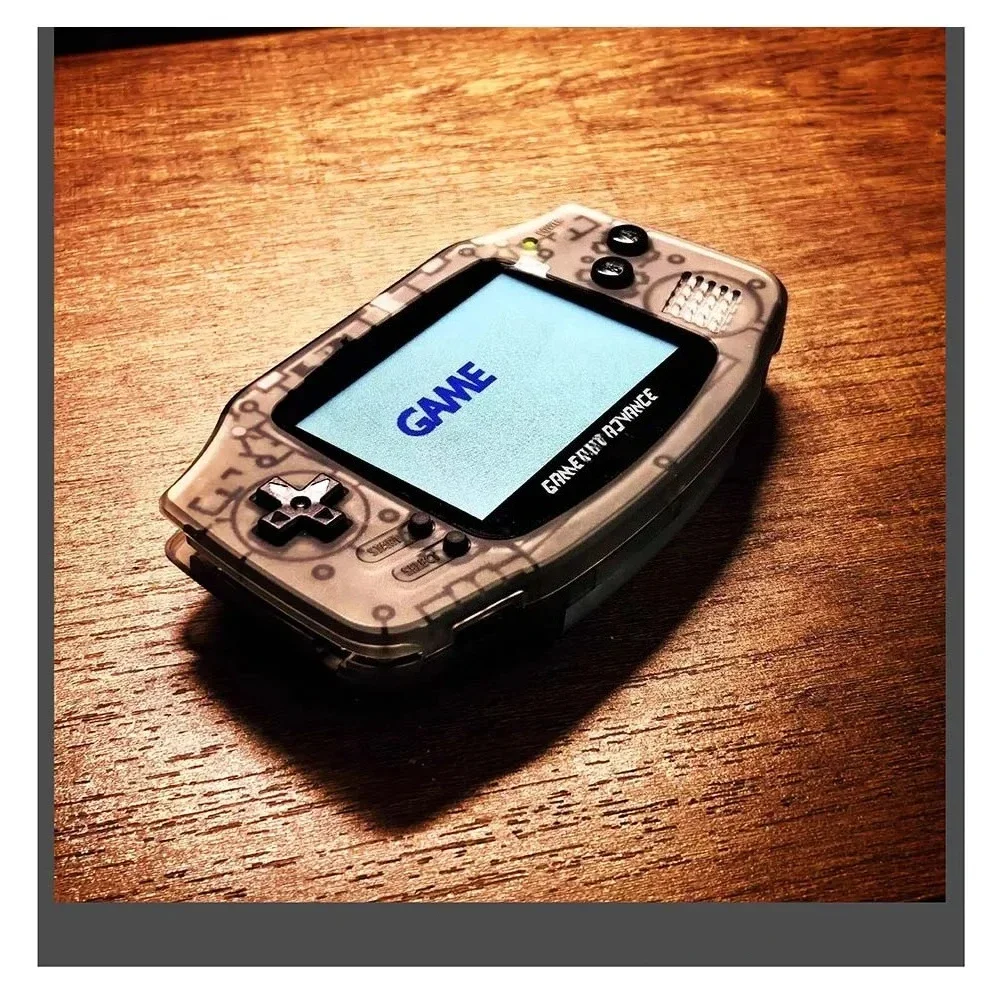
5. LOGO: Supports switching between uploaded logos, storing up to 10.
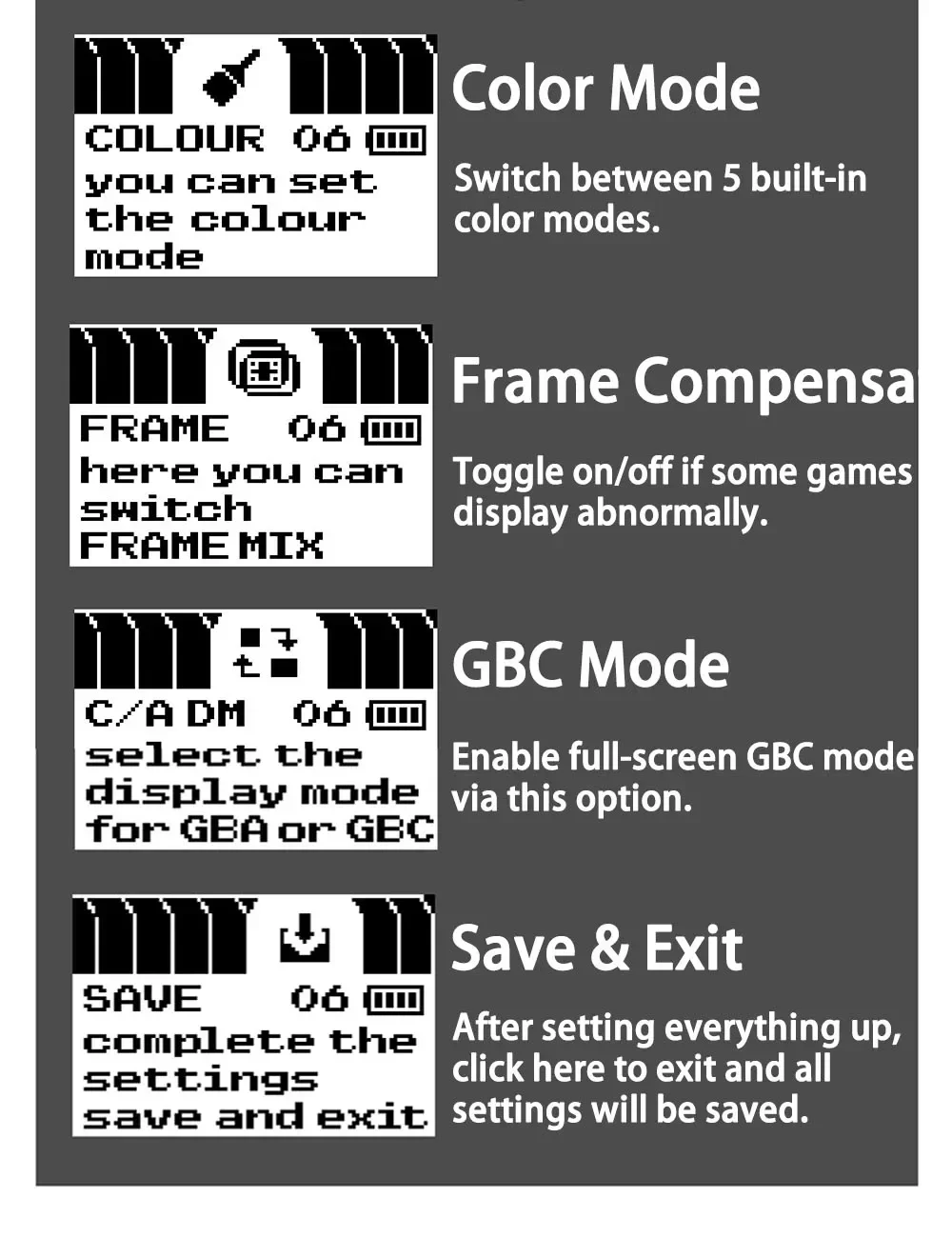
6. Color Mode: Switch between 5 built-in color modes.
7. Frame Compensation: Toggle on/off if some games display abnormally.
8. GBC Mode: Enable full-screen GBC mode via this option.
9. Save & Exit: Save all settings and exit when configuration is complete.
LOGO Programmer Installation Guide:
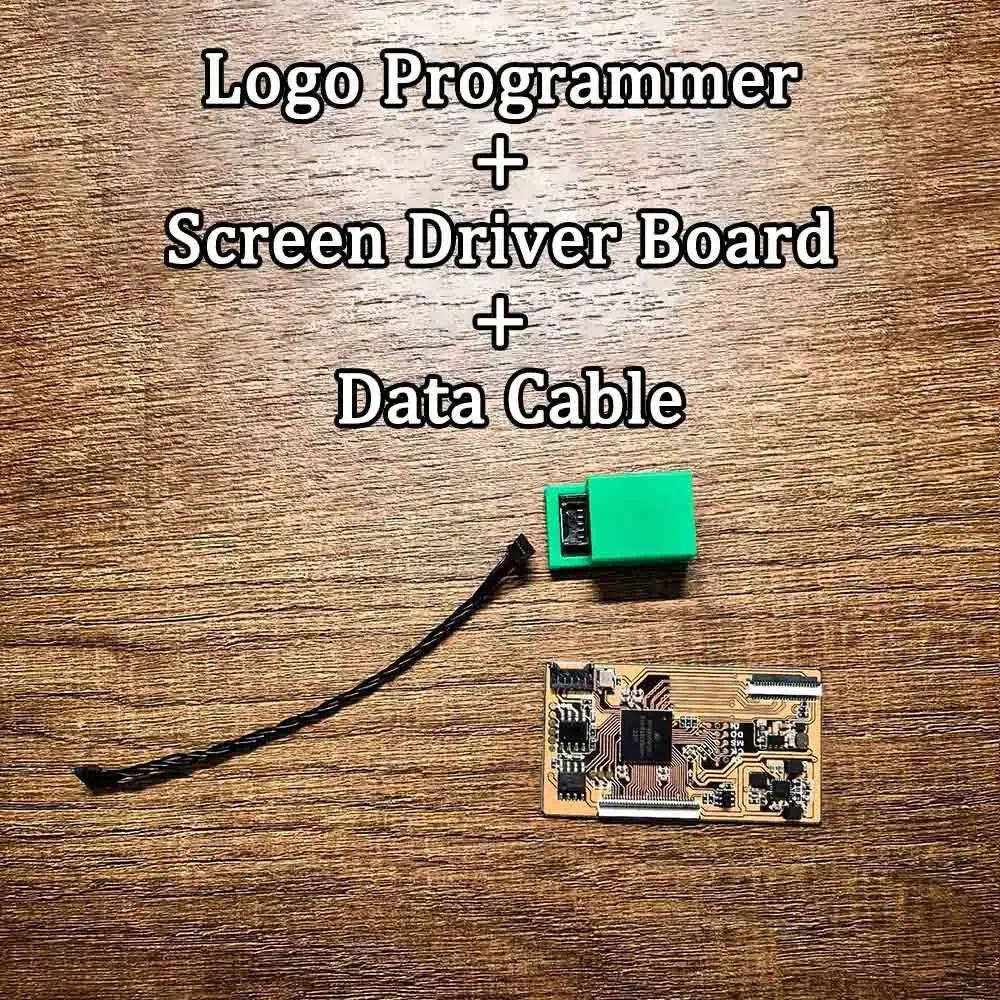
Prodcut List:Logo Programmer + Screen Driver Board + Data Cable
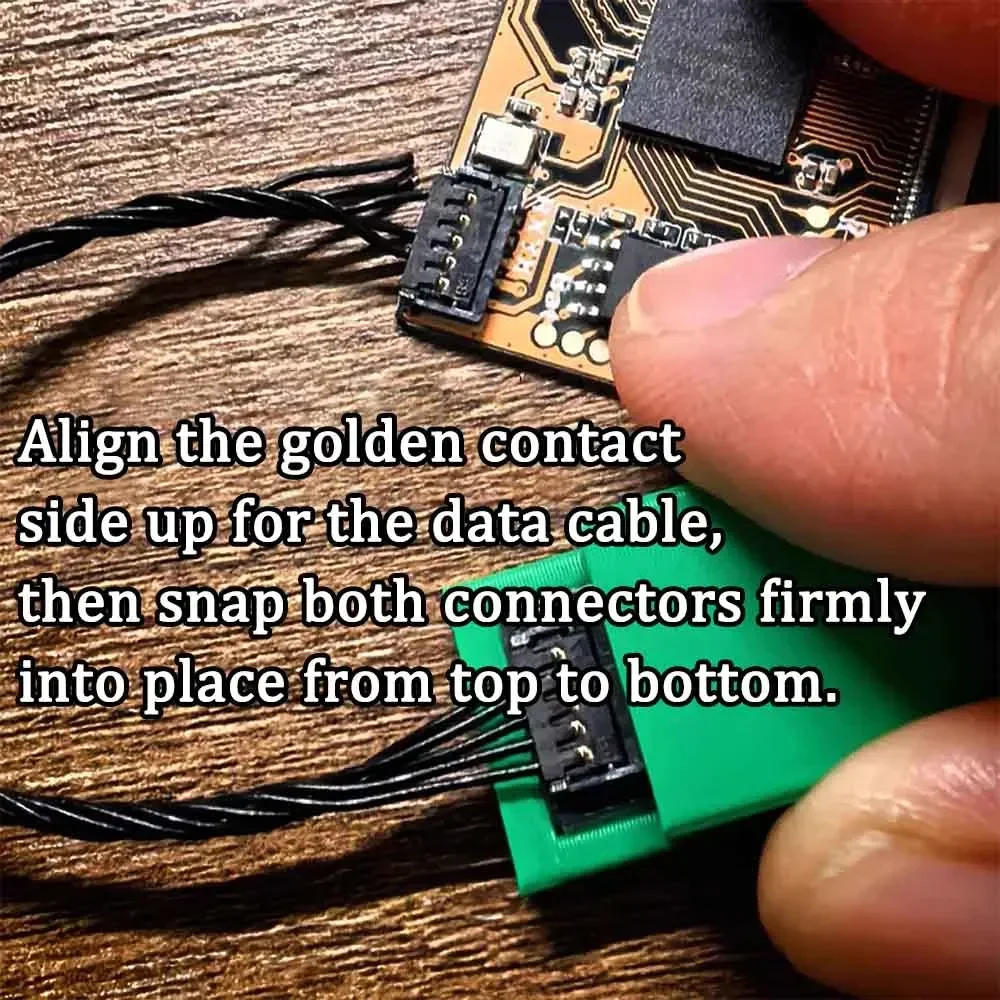
1. Align the golden contact side up for the data cable, then snap both connectors firmly into place from top to bottom.
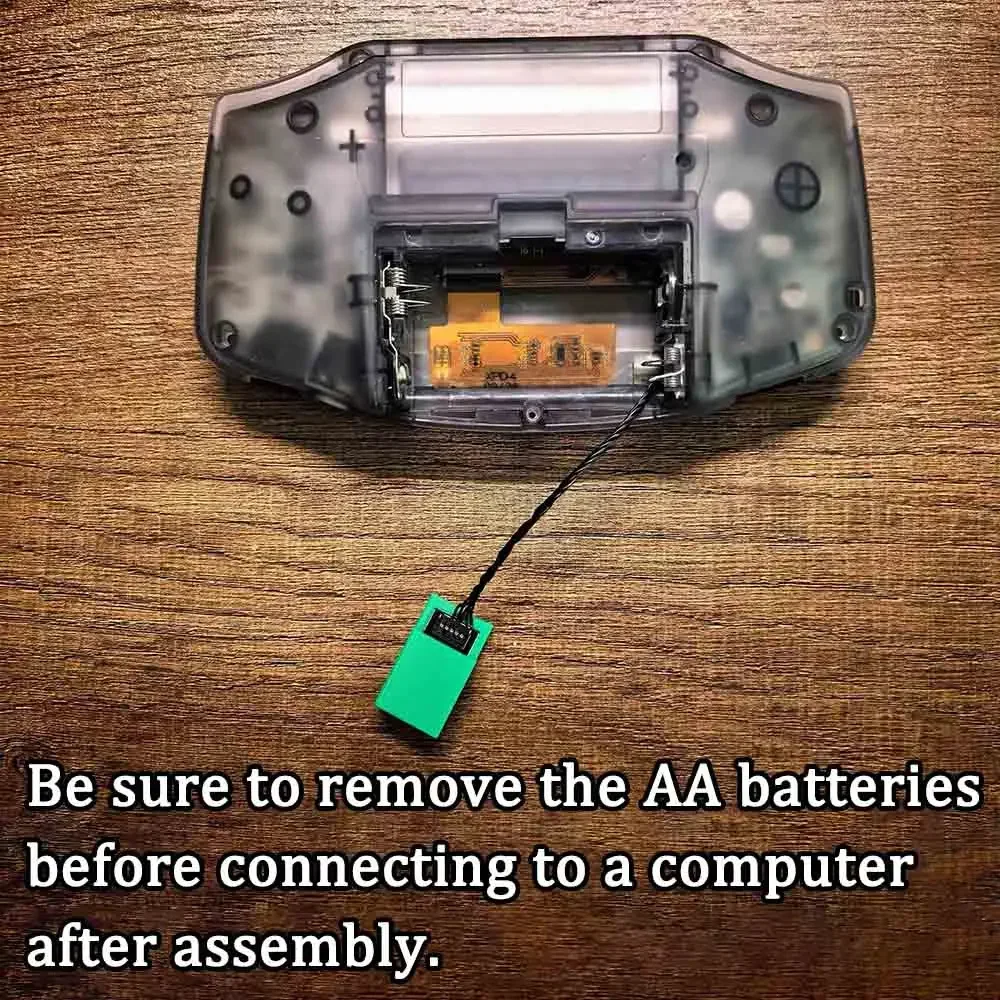
2. Be sure to remove the AA batteries before connecting to a computer after assembly.
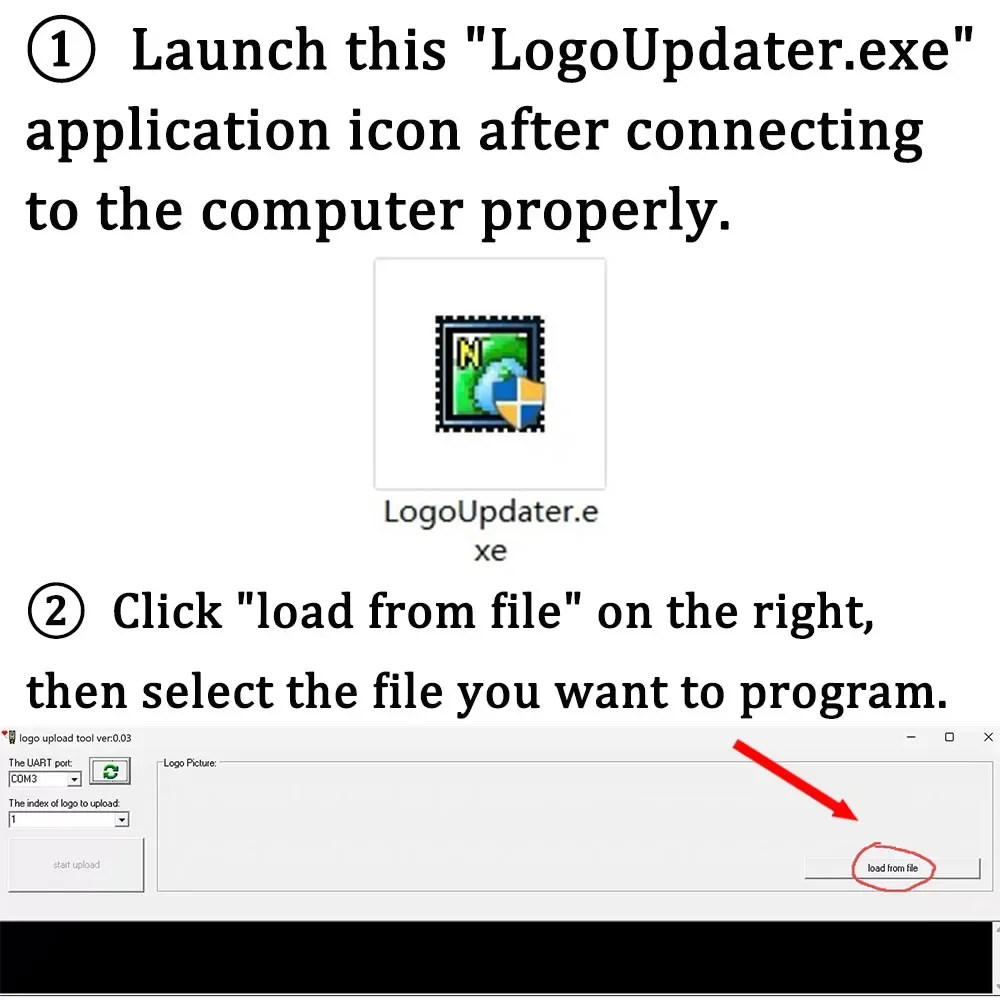
3. Launch the "LogoUpdater.exe" application icon after connecting to the computer properly.
4. Click "load from file" on the right, then select the file you want to program.
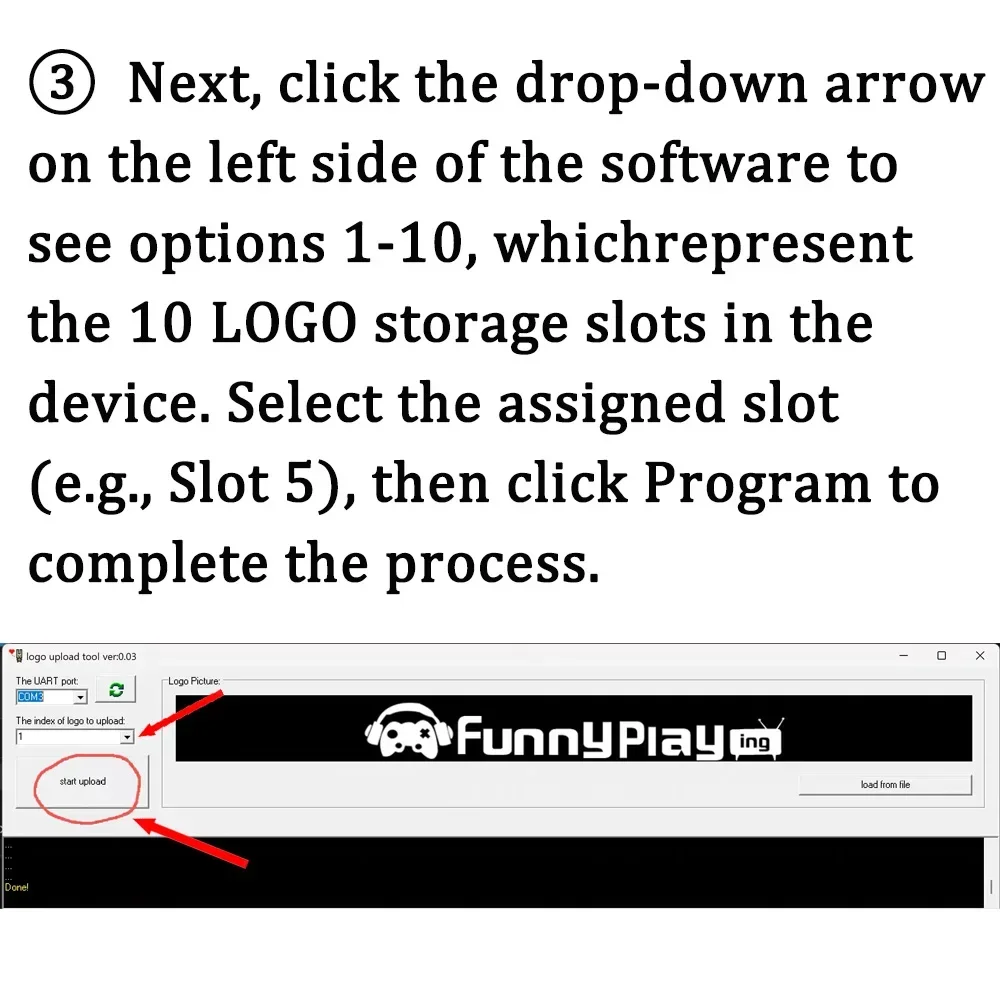
5. Next, click the drop-down arrow on the left side of the software to see options 1-10, which represent the 10 LOGO storage slots in the device. Select the assigned slot (e.g., Slot 5), then click Program to complete the process.
Notes:
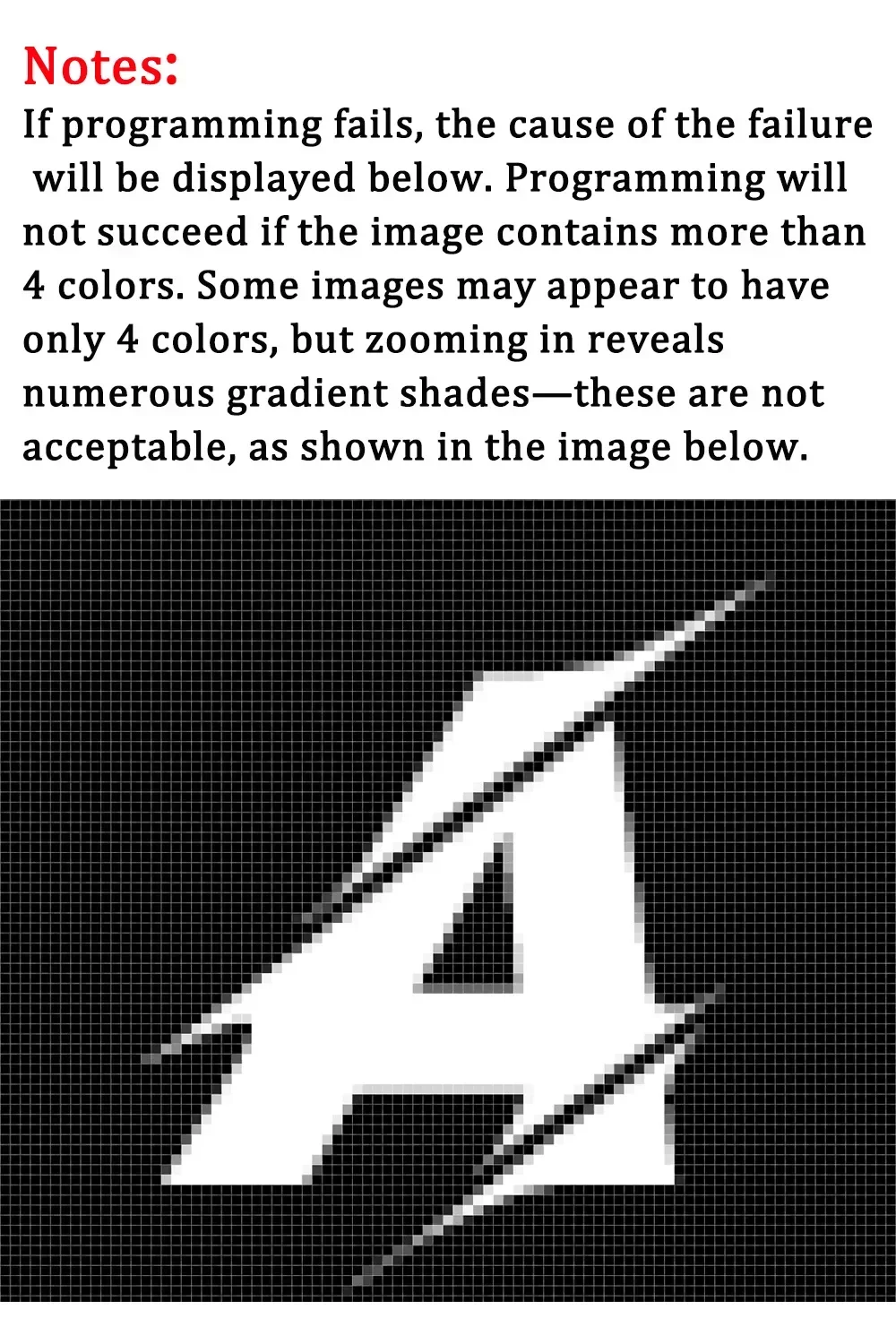
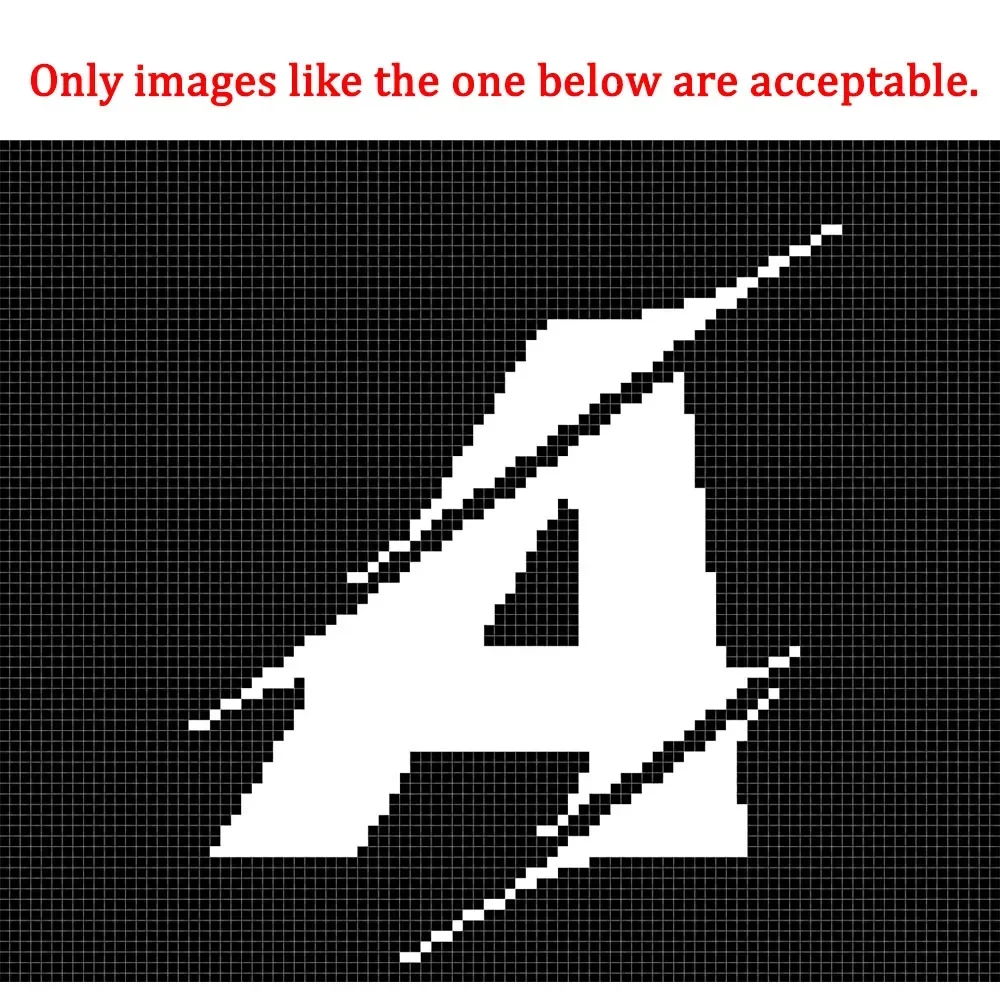
1. If programming fails, the cause of the failure will be displayed below. Programming will not succeed if the image contains more than 4 colors. Some images may appear to have only 4 colors, but zooming in reveals numerous gradient shades—these are not acceptable, as shown in the image below.
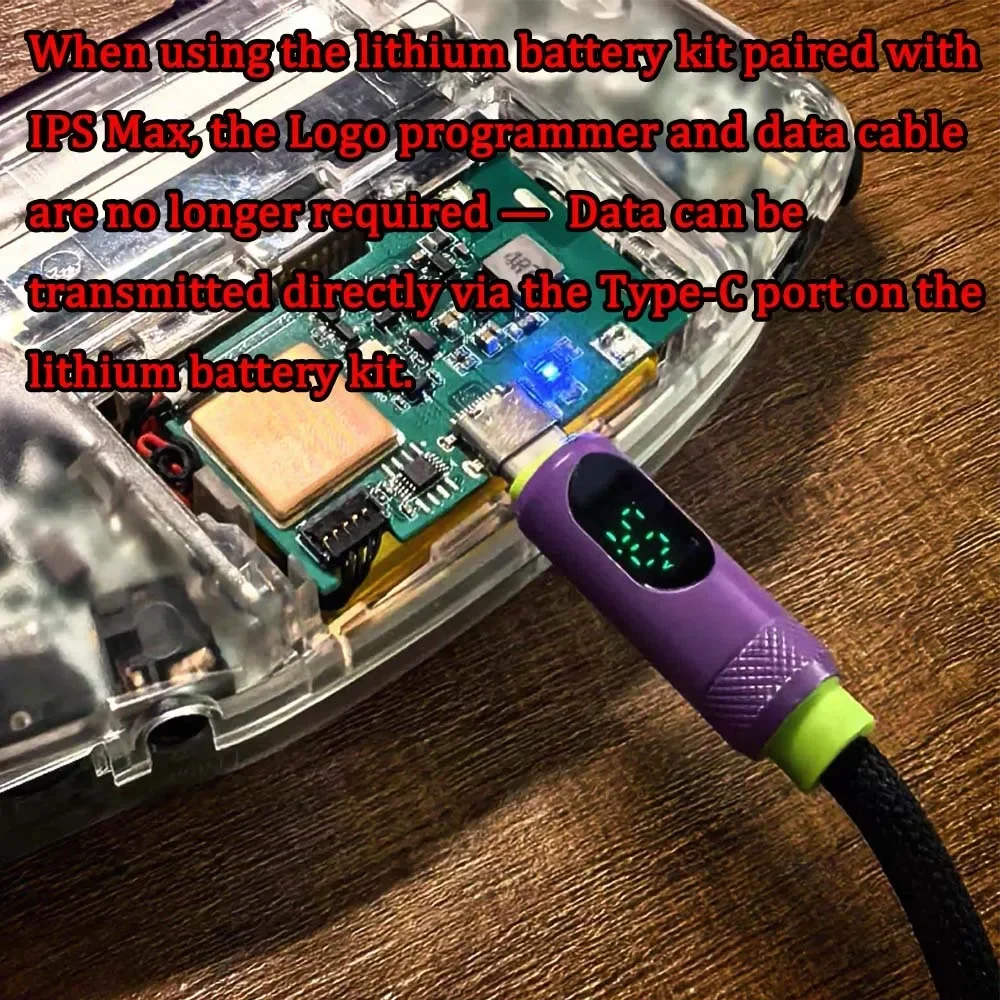
2. When using the lithium battery kit paired with IPS Max, the programmer and data cable are no longer required — Data can be transmitted directly via the Type-C port on the lithium battery kit.
Package included:
1 Set of IPS MAX Laminated LCD Kits
1 Set of Logo Programmer Kits
1 Set of Dedicated Shell (Without the Buttons and Rubber Pads)
Logo Programmer Installation Guide: