DSpico Flashcart USB-C Black Transparent Shell for DS/DSi/3DS/2DS


DSpico Flashcart USB-C Black Transparent Shell for DS/DSi/3DS/2DS
- Free worldwide shipping
- Pre-ship QC
- Tracked delivery
- Arrives Nov 4 – Nov 13
- Import duties included
Defective, damaged or wrong item? Free replacement or refund — just send us a short video. Details
Product details & specifications
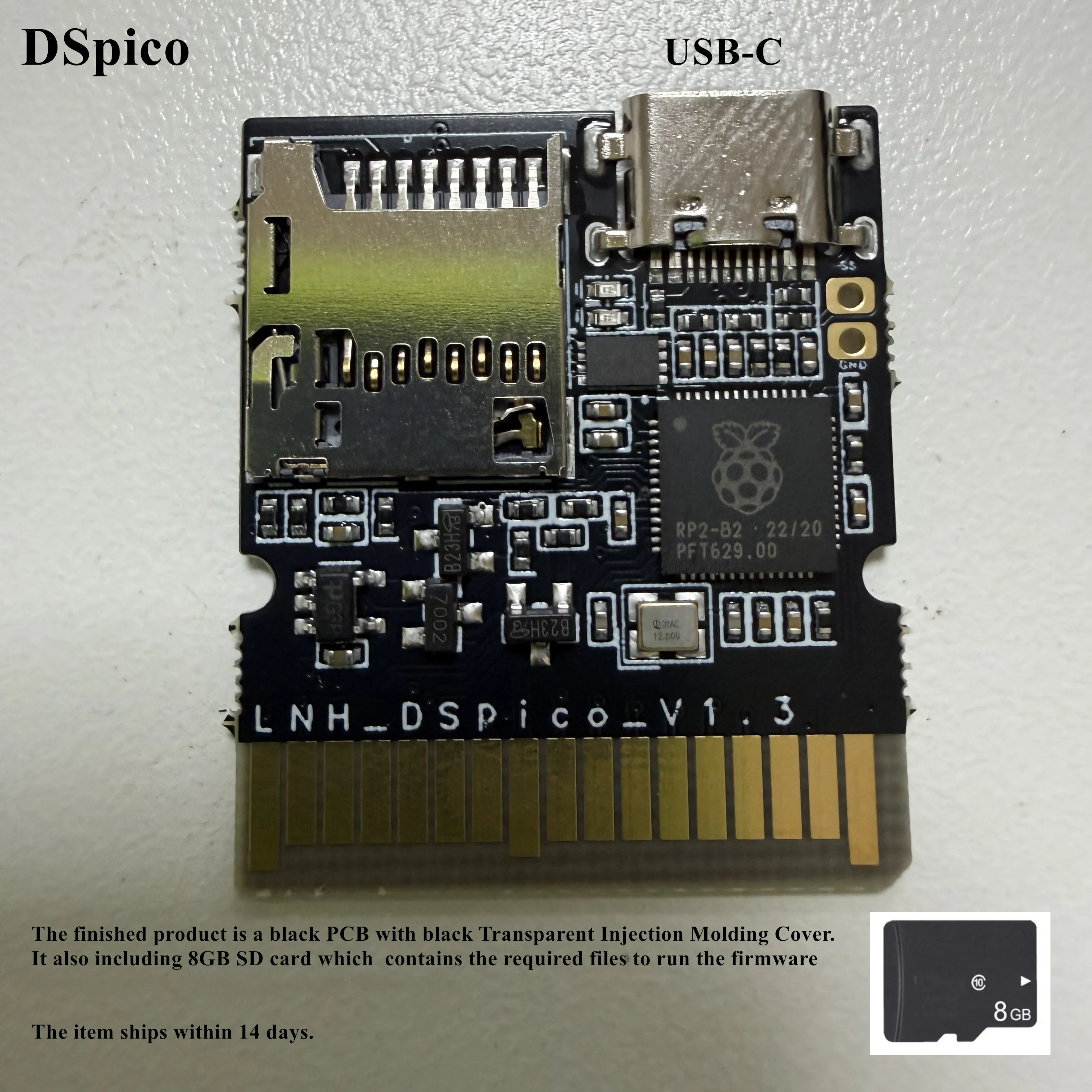
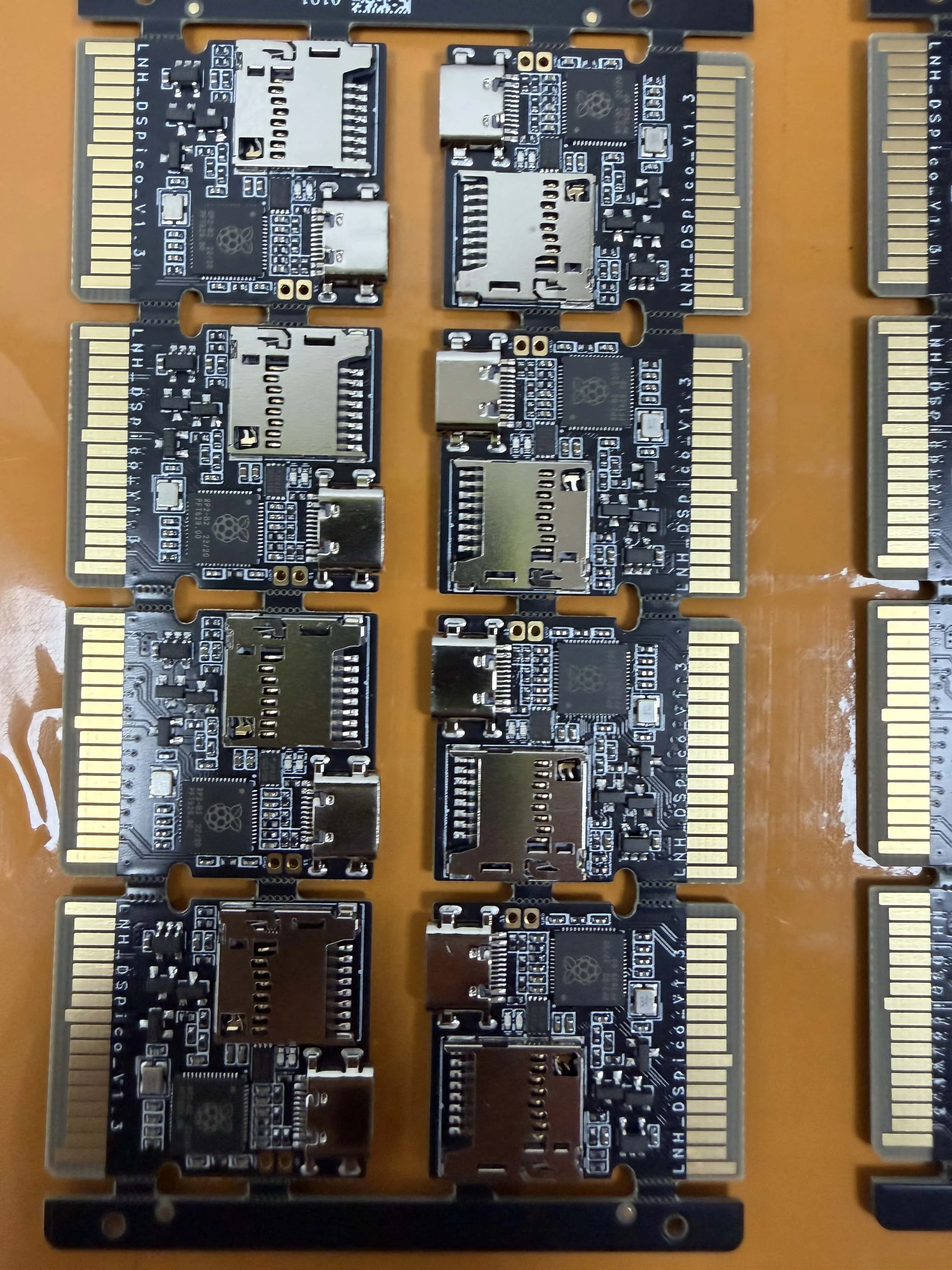
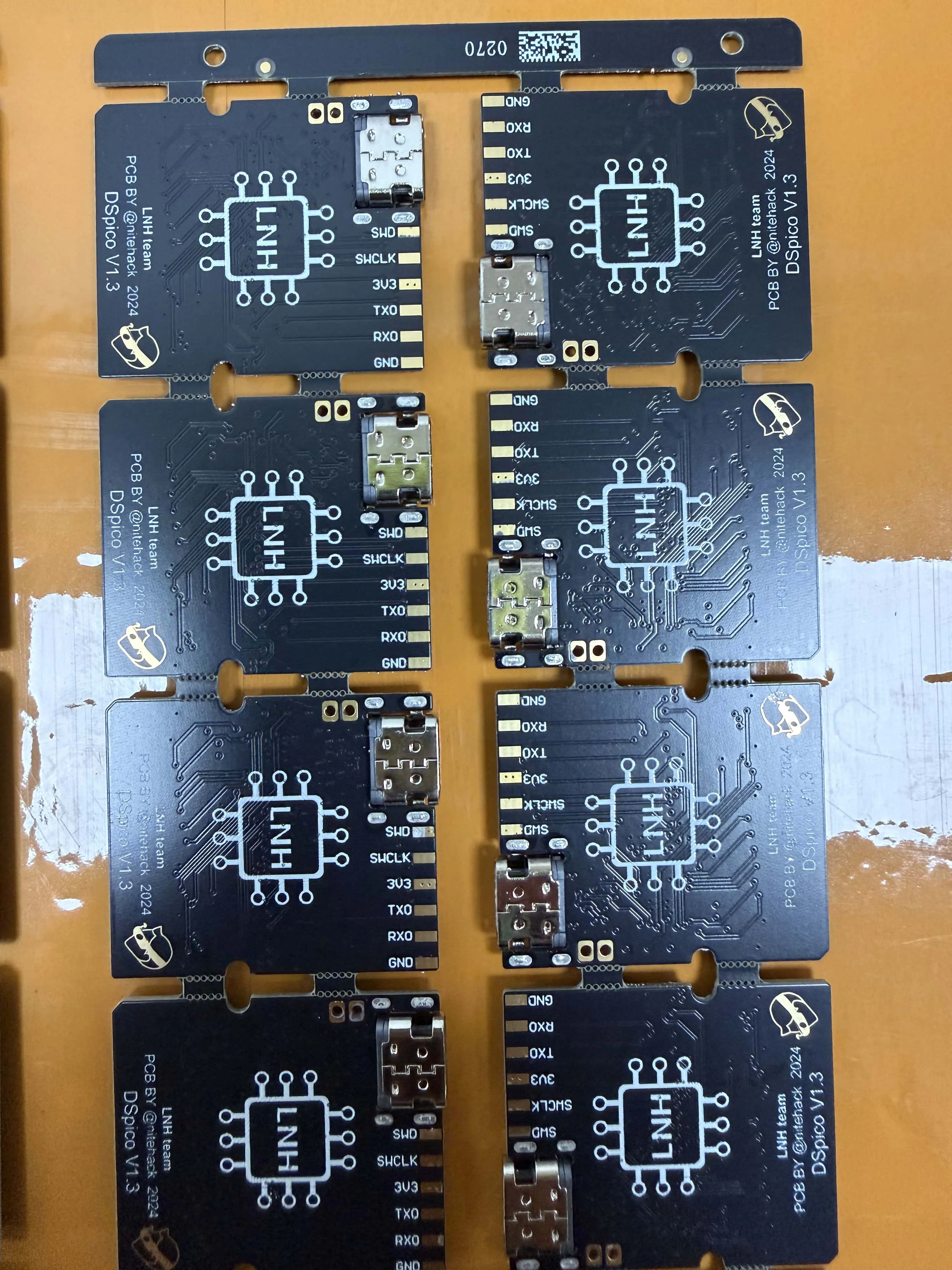
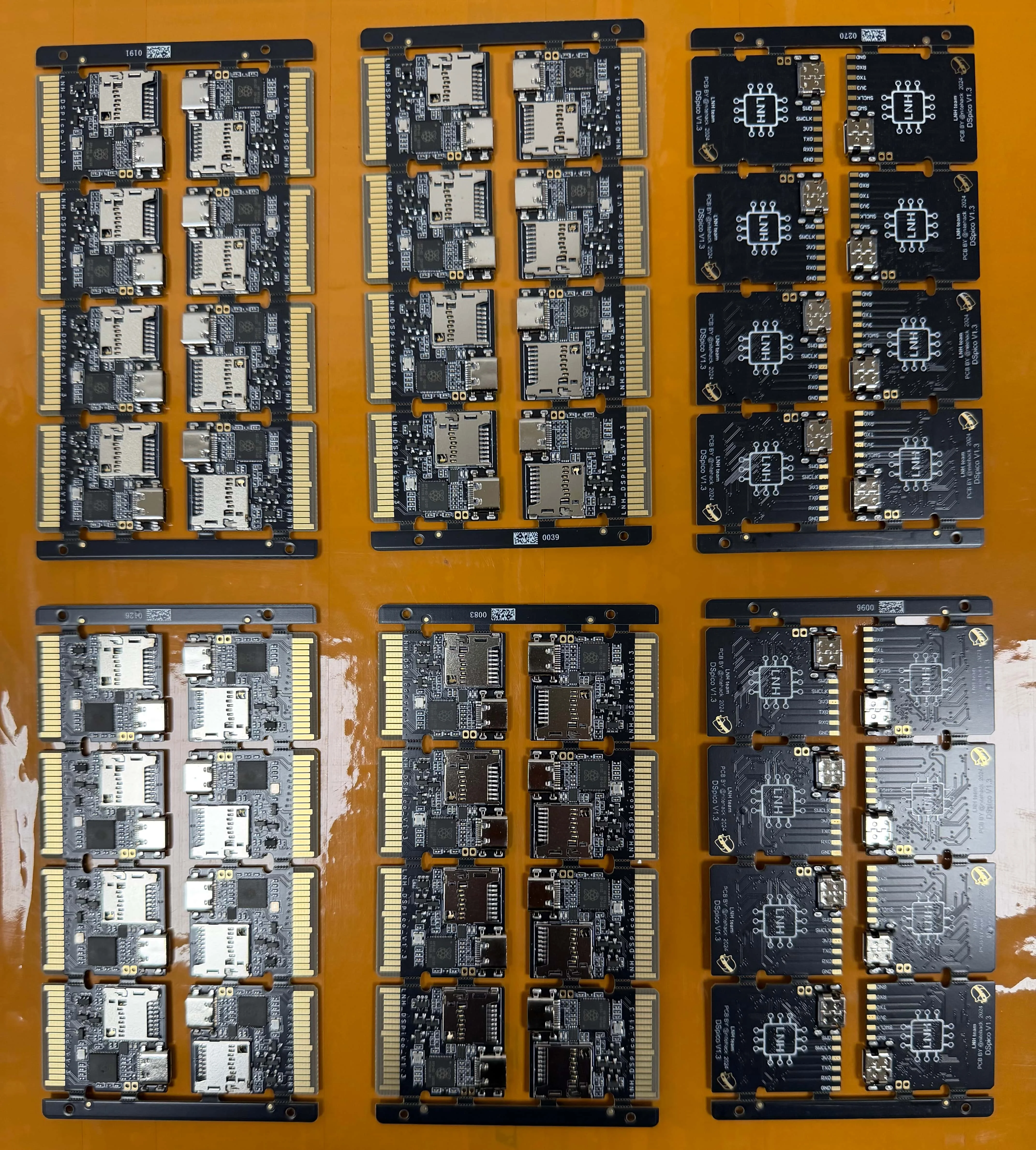
An open-source DSpico flashcart with a recessed USB-C female connector and a black transparent injection-molded shell.
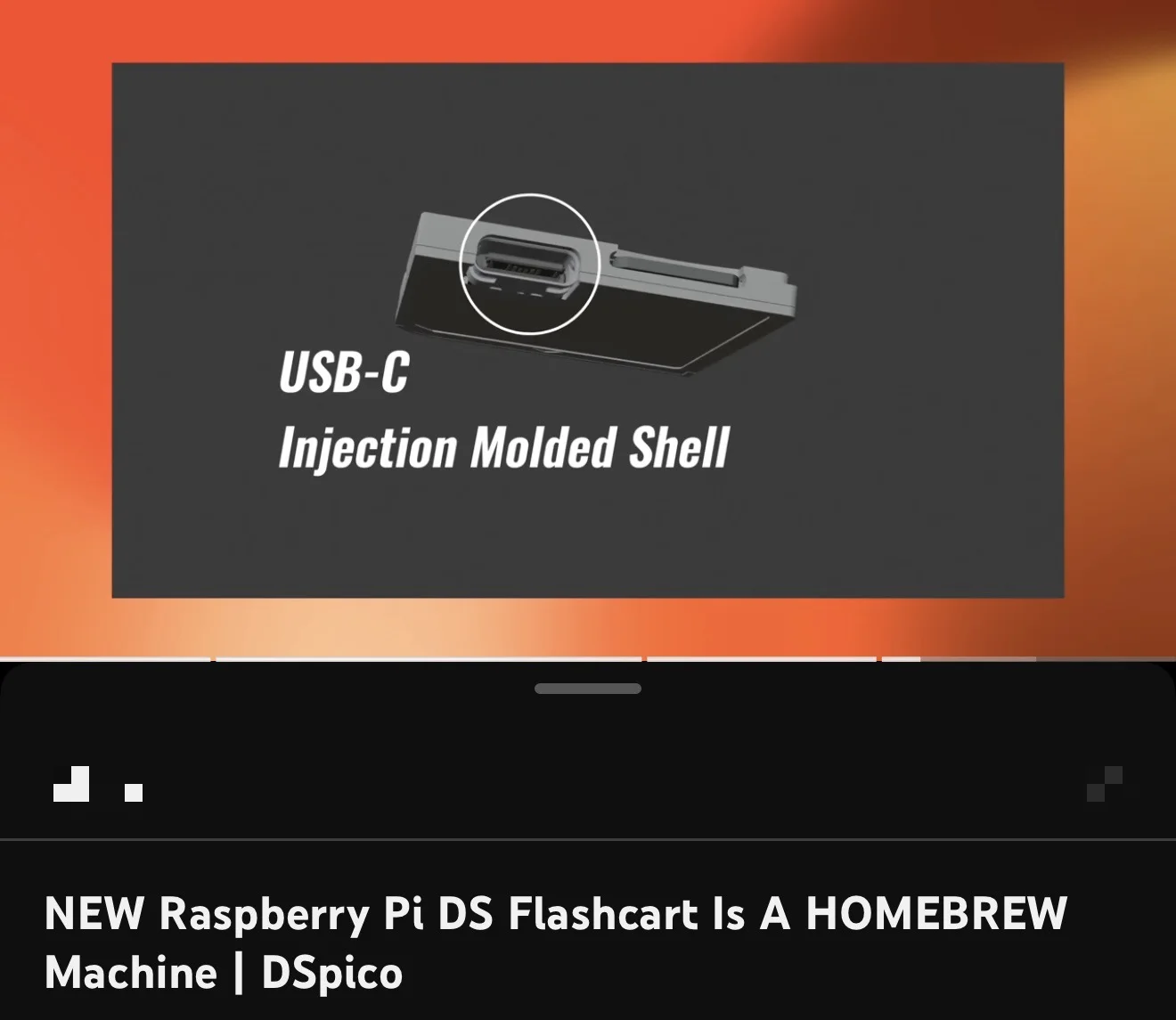
- Recessed USB-C female connector, so it can be used on 2DS consoles
- Also compatible with DS, DSi, DS Lite, DSi LL, 3DS, New 3DS, New 3DS LL and New 3DS XL
- Black PCB with a black transparent injection molding cover
- Free gift: 8GB SD card
- No buttons needed to flash: connect to a PC without an SD card to enter BOOTSEL mode
SPECIFICATIONS
Accessories Type: Chip/Modchip
Bluetooth range: NO
Brand Name: XStation
Cable features: Without cable
Choice: yes
Compatible Brand/Model: Nintendo
Compatible Nintendo Model: NEW 3DS XL
Control Method: Push button
Controls Type: Others
Electric: No
Enclosure material: Plastic
Fastening type: Others
Harness Feature: Others
High-concerned chemical: none
Mfr part number: NO
Model Number: NO
Number of Compartments: NO
Number of Pins: NO
Occasion: Others
Origin: Mainland China
Platform: Other
Portable: Yes
Reusability: Reusable
Sensor Technology: Others
With USB: Yes
is_customized: NO
semi_Choice: yes
Description
Open-source DSPico flashcart with a USB-C female connector and an injection-molded black transparent shell.
1. The finished product is a black PCB with black Transparent Injection Molding Cover.
2. Free Gift: 8GB SD Card
DSpico Product Description
1. Interface & Compatibility
DSpico uses a recessed USB-C female connector, allowing it to be used on 2DS consoles.
It is also compatible with: DS, DSi, DS Lite, DSi LL, 3DS, New 3DS, New 3DS LL, and New 3DS XL.
2. Firmware Flashing Behavior
No buttons are required when flashing DSpico.
Simply connect DSpico to your PC without an SD card inserted and it will enter BOOTSEL mode.
When no SD card is inserted, it is equivalent to holding the BOOT button.
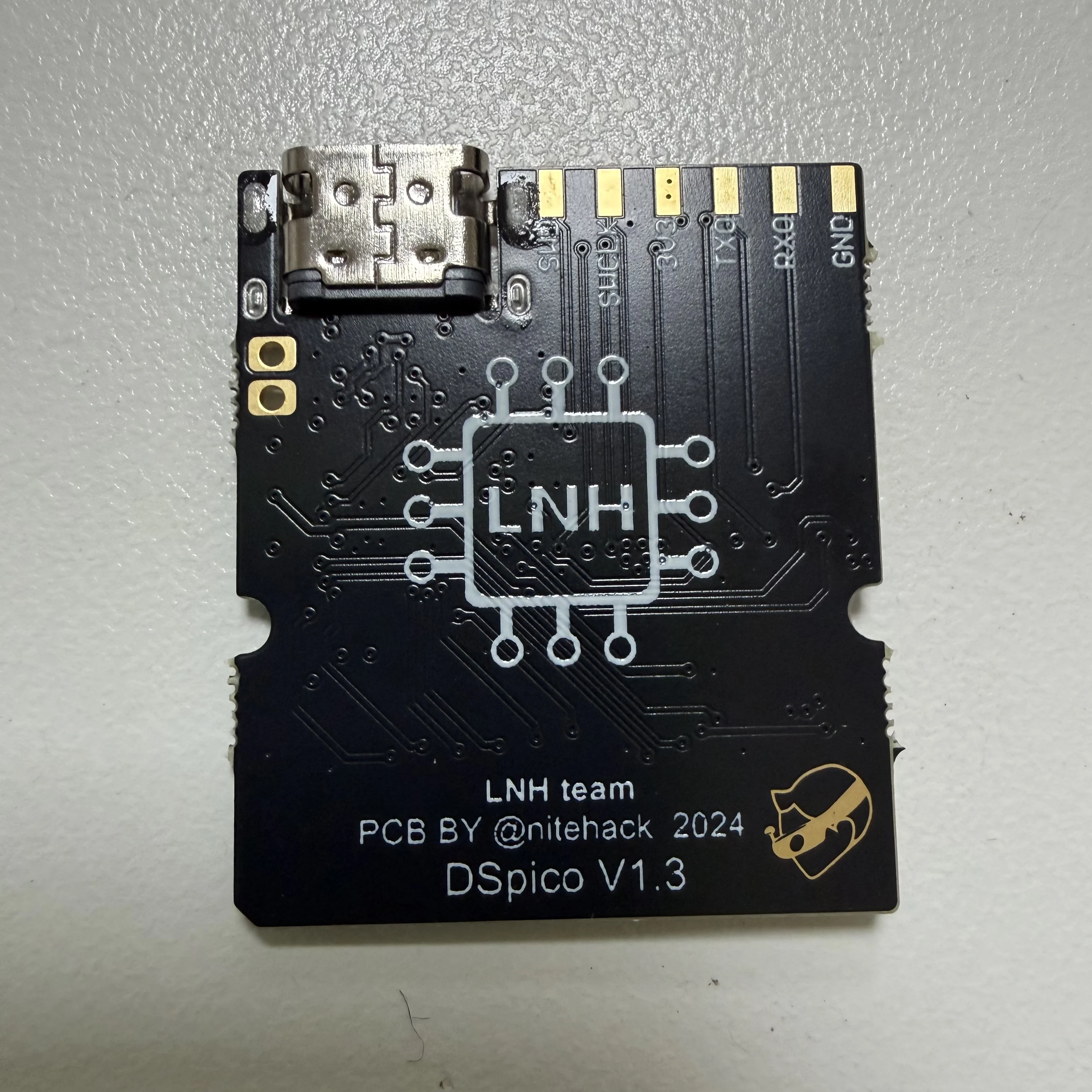
If a non-RP2040 firmware is accidentally flashed or flashing fails, the device may not enter BOOTSEL mode. In this case, short the two pads on the PCB while plugging in the device to force BOOTSEL mode.
This situation is very rare and can be recovered using the method above.
Firmware Flashing Steps
1. Connect DSpico to your computer *without an SD card inserted*.
2. A removable drive named *RPI-RP2* will appear.
3. Drag and drop the selected *.uf2 firmware file* onto this drive.
4. After flashing, the device will automatically reboot and return to its normal state. This is normal.
Firmware Options
For picoboot / NDS usage only
👉 **DSPico - NoNTRBoot.uf2
For picoboot / NDS + NTRBoot (3DS exploit support)
👉 **DSPico + NTRBoot.uf2
SD Card File Placement
Copy the contents of the “SD card files”folder to the root directory of a FAT32-formatted SD card.
Correct:
X:/_picoboot.nds
Incorrect:
X:/Picoboot/_picoboot.nds
# Preloaded Firmware
DSpico is shipped with firmware pre-installed and ready to use.
You may download the latest DSPico + NTRBoot.uf2 combined firmware and user guide here:
Finally, thanks to the DSPico open-source team LNH and DSPICO hardware author @nitehack