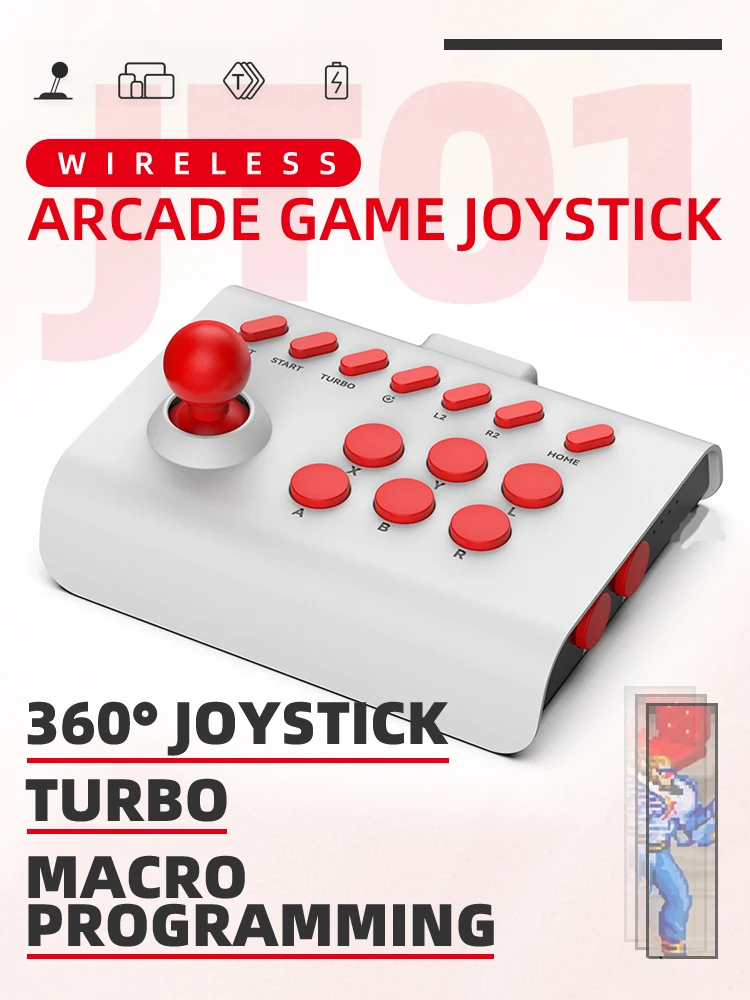
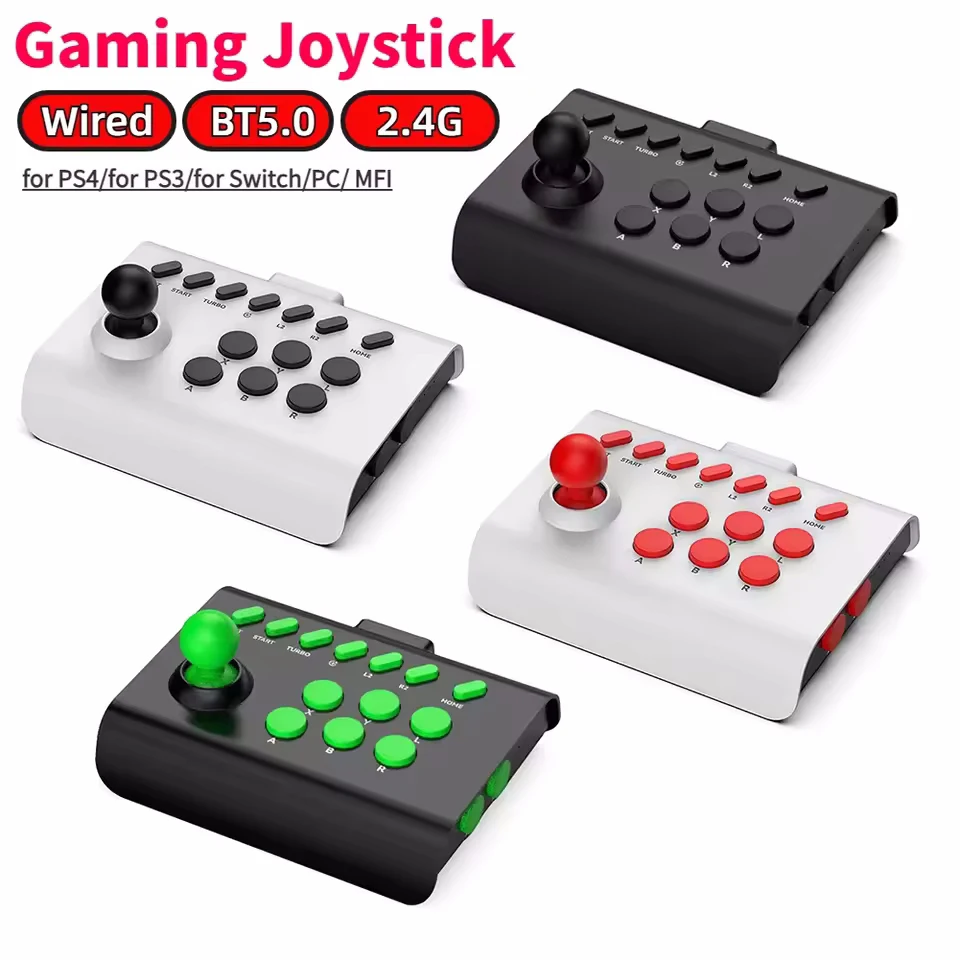
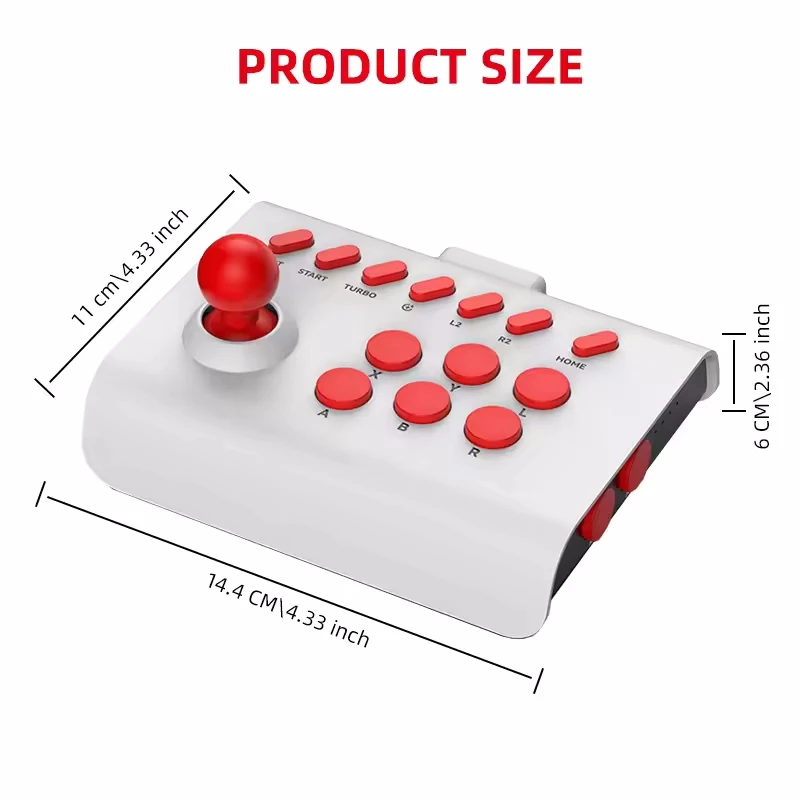
Arcade Gamepad Bluetooth Controller for Switch/PS4/PS3/Android


Arcade Gamepad Bluetooth Controller for Switch/PS4/PS3/Android
- Free worldwide shipping
- Pre-ship QC
- Tracked delivery
- Arrives Nov 9 – Nov 18
- Import duties included
Defective, damaged or wrong item? Free replacement or refund — just send us a short video. Details
Product details & specifications
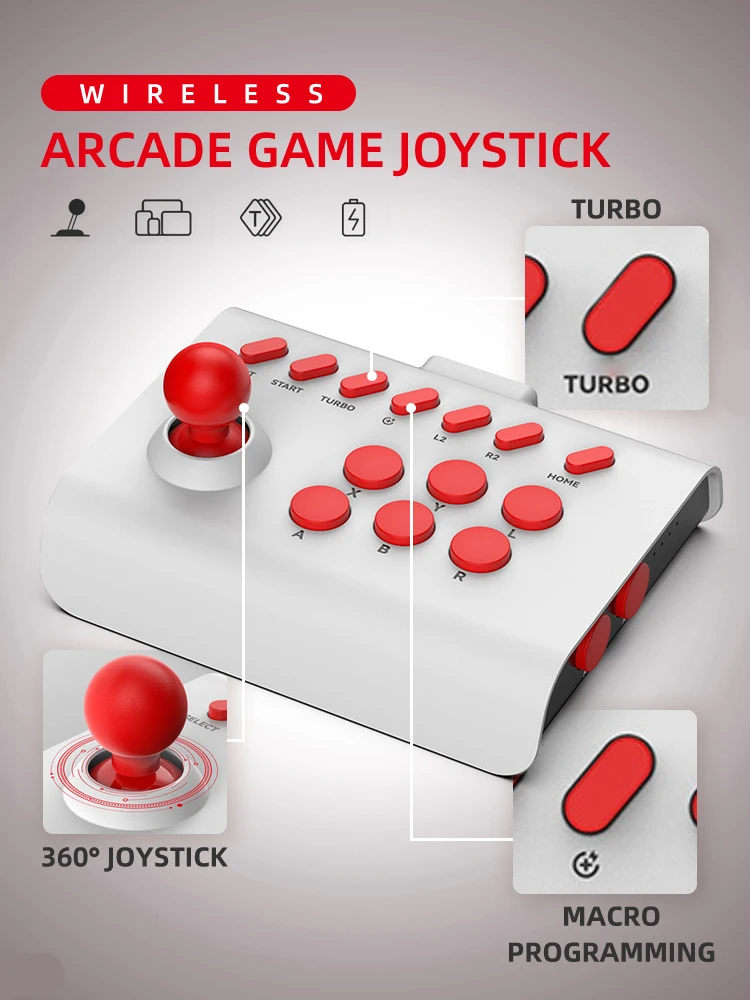
A wireless arcade gamepad that pairs by Bluetooth with Switch, PlayStation, PC, Android and iOS devices.
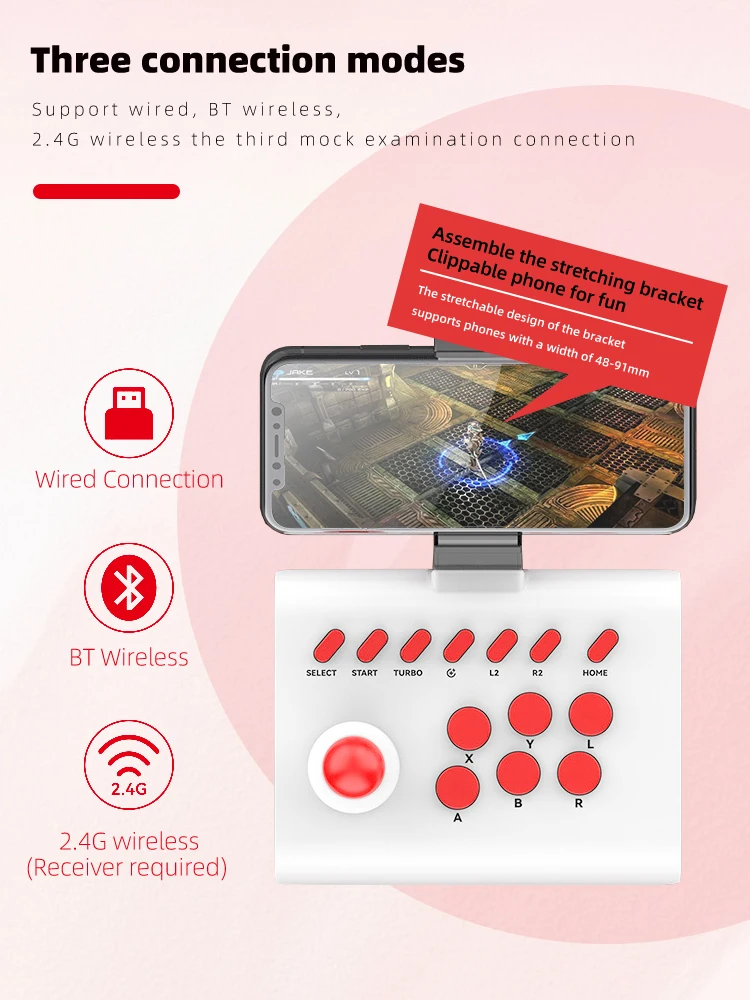
- Bluetooth and USB connection
- Works with Nintendo Switch, PlayStation, PC, Android and iOS
- Android pairing: turn on Bluetooth, press X then Home, and pick "bsp-y01"
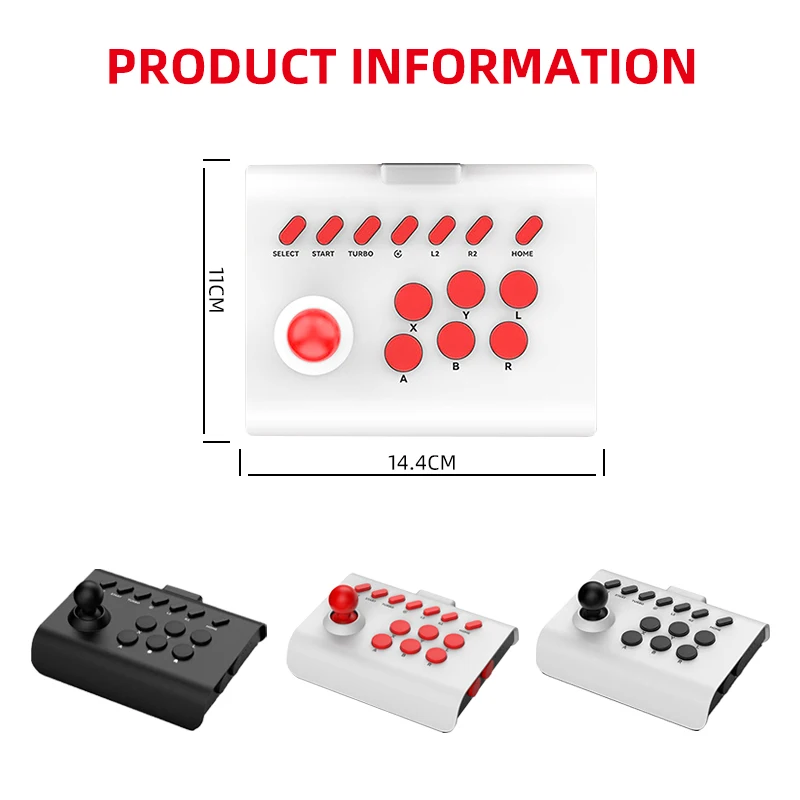
- Colors: White and Black; Black; White and Red; Black and Red; Black and Green
SPECIFICATIONS
Android bluetooth remote Cellular gamer: Android bluetooth remote Cellular gamer
Battery Included: no
Brand Name: AyeBeau
Certification: CE
Choice: yes
Command For android cell phone game: Command For android cell phone game controller
Compatible Brand/Model: PC
Compatible Platform: Nintendo Switch,playstation,PC,Android,iOS
Control for cellphone controles: Control for cellphone controles
Finish Type: Plastic
For Mobile phone controller kit gamer: For Mobile phone controller kit gamer
Gamer triggers for mobile command: Gamer triggers for mobile command
Games to play in family retro: Games to play in family retro
High-concerned chemical: none
Interface Type: USB,Bluetooth
Model Number: Arcade Gamepad Bluetooth Controller For Switch PS4 PS3 Mobile Android
Origin: Mainland China
Package: Yes
Pattern: Monochrome
Portable games players offers: Portable games players offers
Trigger Button Type: NONE
Triggers control for cell phone games: Triggers control for cell phone games
Type: Gamepads
Wireless Phone gamepad mando: Wireless Phone gamepad mando
Wireless for Iphone controller: Wireless for Iphone controller
FAQ
Q: How do I connect my Android phone?
A: Turn on Bluetooth, press X first, then press Home, match "bsp-y01", the third light is on to indicate successful connection. Suitable for playing the games that come with the TV, or the games inside the app such as Chicken Simulator and Octopussy.
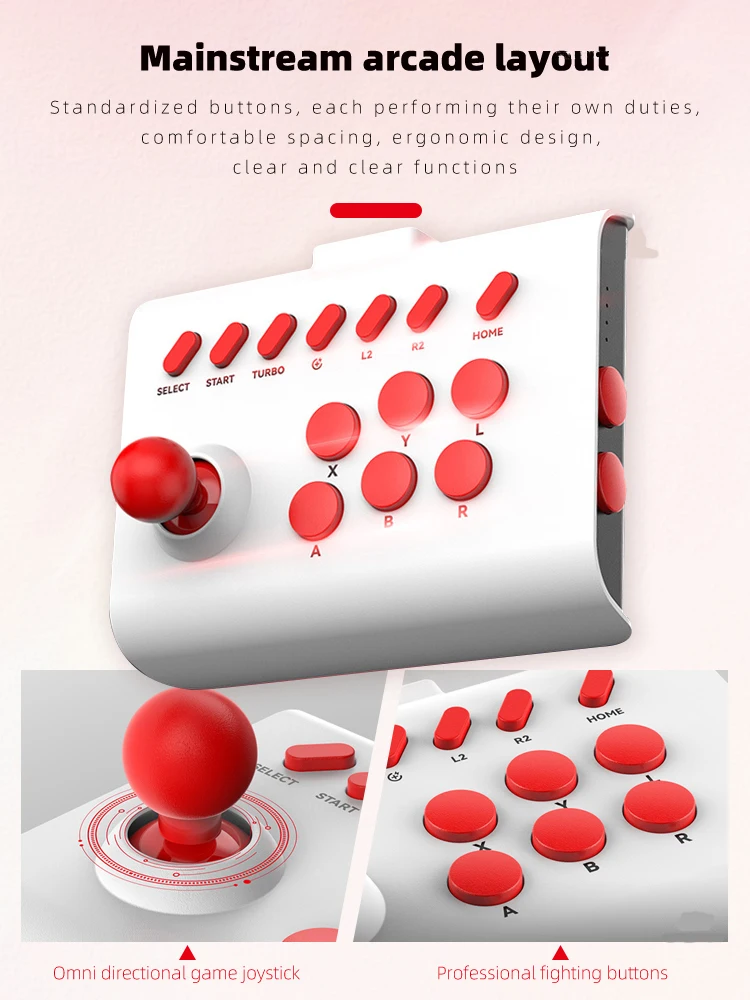
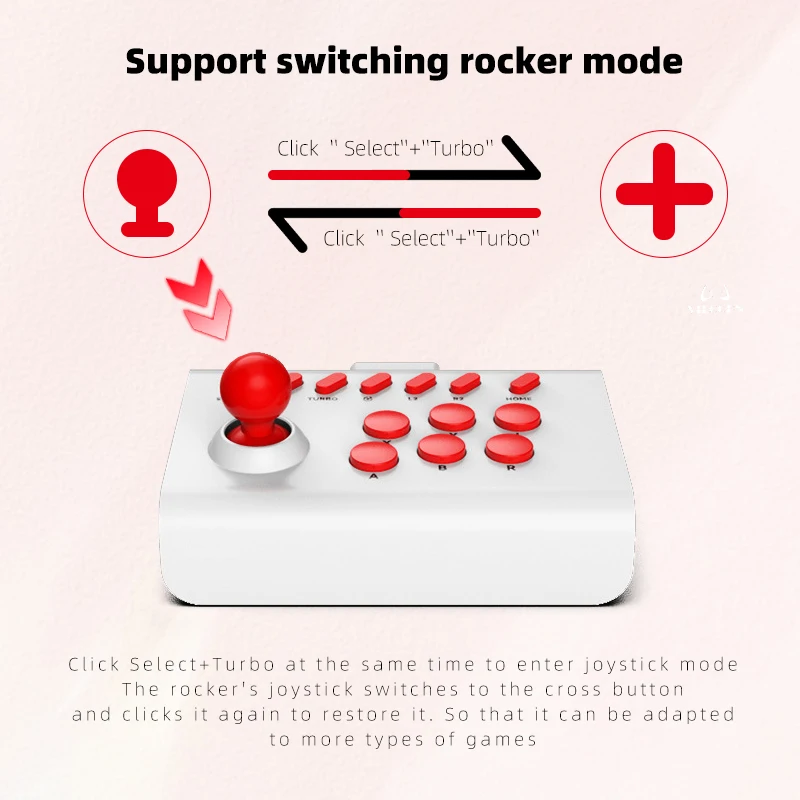
Q: Some games require the use of cross buttons, but there is only a joystick, how can I switch the joystick of the shaker to cross buttons?
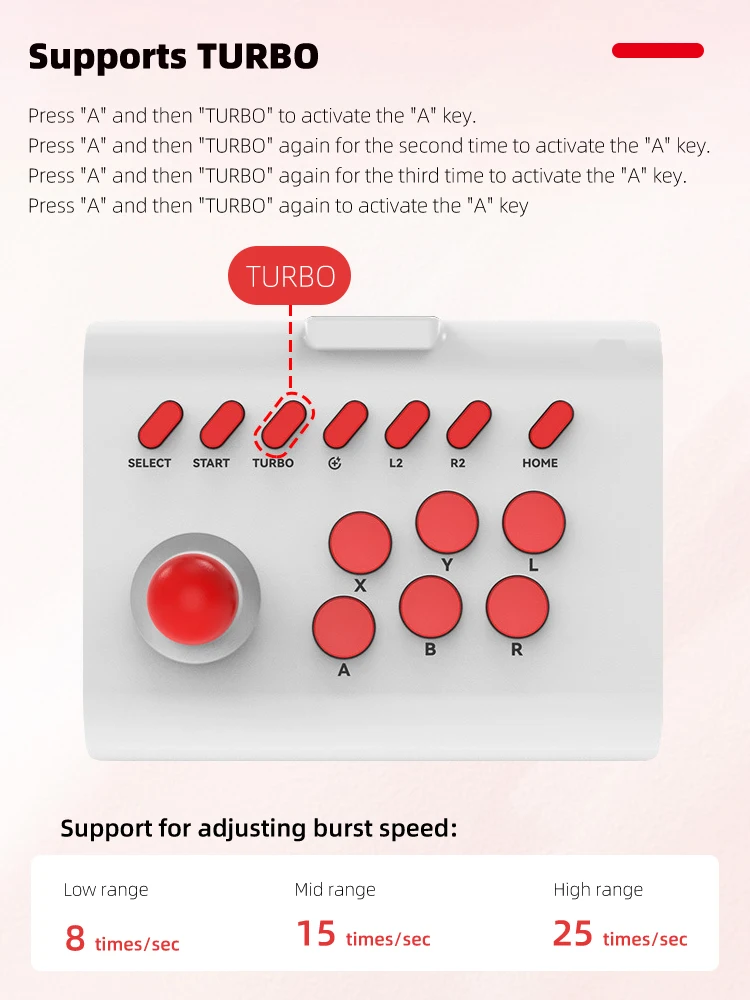
A: Click Select+Turbo at the same time to switch to joystick mode.
Q: What devices can it connect to?
A: Hello, it supports for PC, Switch consoles, Android phones, iOS phones, PS3, and PS4.
It does not support Xbox, Game Stick, or Gamebox. Please note this when purchasing!